Countdown timer templates for email
36 countdown GIFs for Black Friday, Cyber Monday, Christmas, flash sales, launches and webinars. Each one opens the generator already set up: change the date to your campaign's and copy the code for your email. 3 of the 6 styles are free with no signup; you can try the Pro ones in the preview.
Black Friday
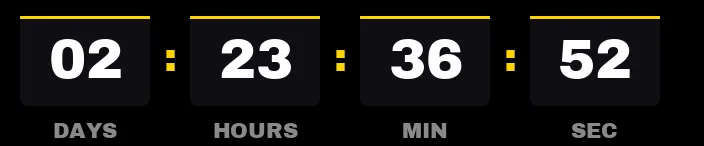
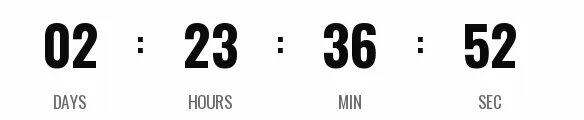
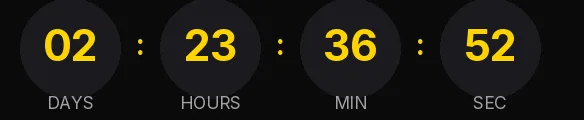
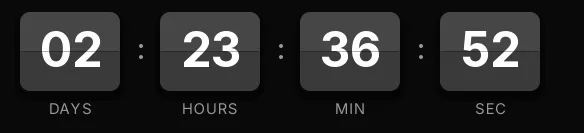
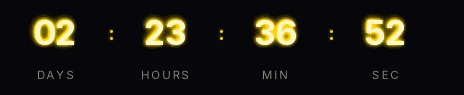
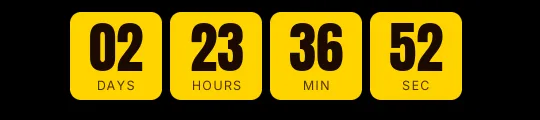
One end date for the whole list, with the days on show. Black Friday guide
Cyber Monday
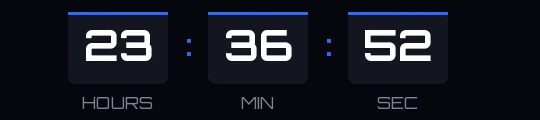
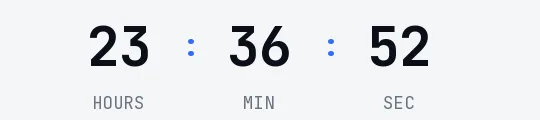
The Monday after Black Friday. No days box, because the offer is counted in hours until it closes. Cyber Monday guide

Christmas
Up to your last shipping day before Christmas Eve. At zero it says "Holiday shipping has ended". Christmas guide
-
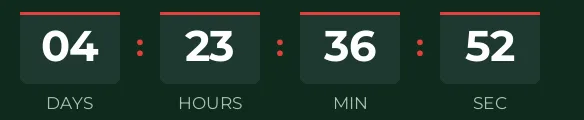
Christmas · Blocks
FREE -
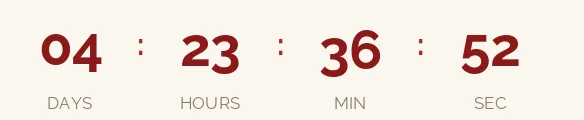
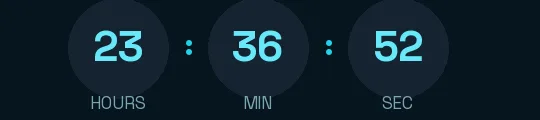
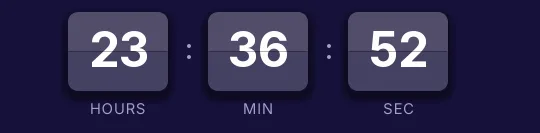
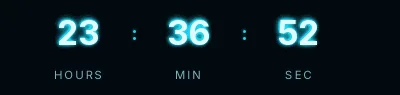
Christmas · Minimal
FREE -
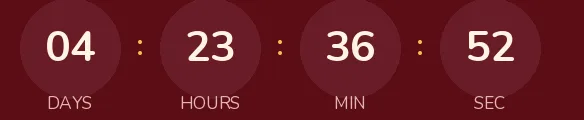
Christmas · Rounded
FREE -
-
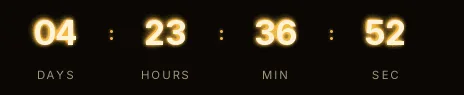
Christmas · Neon
PRO -
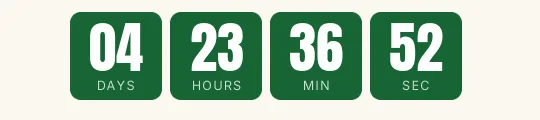
Flash sale
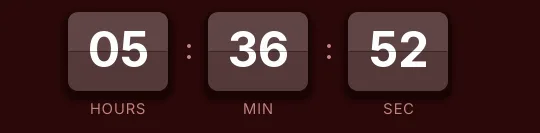
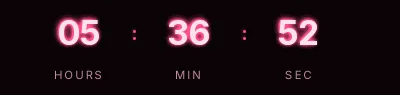
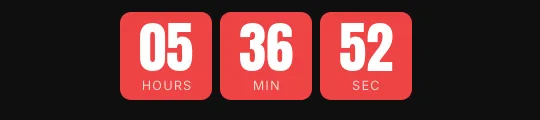
Offers that last a few hours: no days box, so the seconds get more room. Flash sale guide
-
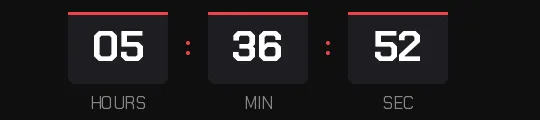
Flash sale · Blocks
FREE -
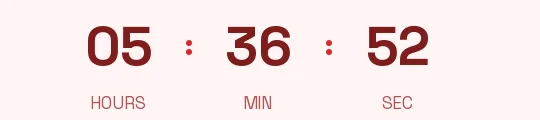
Flash sale · Minimal
FREE -
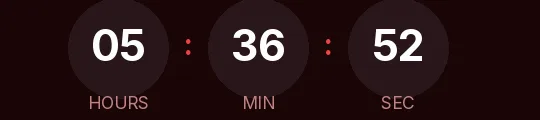
Flash sale · Rounded
FREE -
-
-
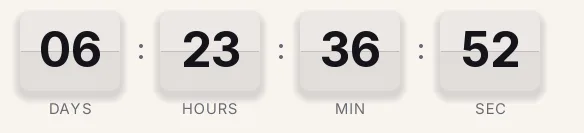
Launch
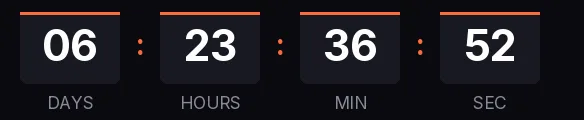
Count down to the opening. At zero it says "Available now". Product launch guide
-
Launch · Blocks
FREE -
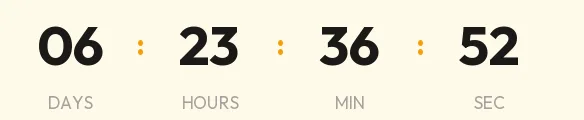
Launch · Minimal
FREE -
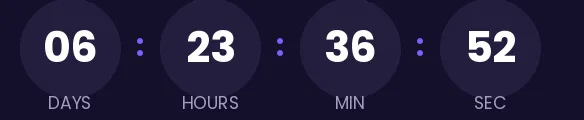
Launch · Rounded
FREE -
-
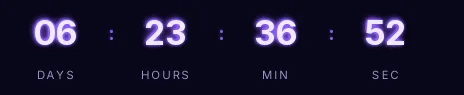
Launch · Neon
PRO -
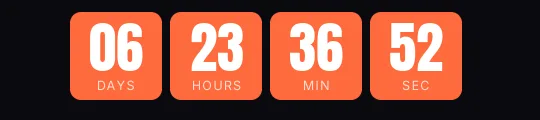
Launch · Bold XL
PRO
Webinar
Up to the start of the live session. Once it starts it says "We are live". Webinar guide
-
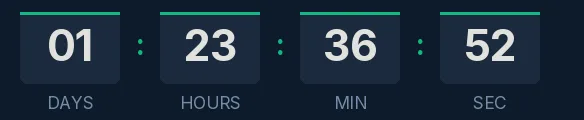
Webinar · Blocks
FREE -
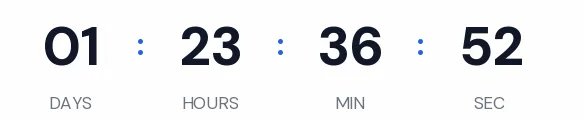
Webinar · Minimal
FREE -
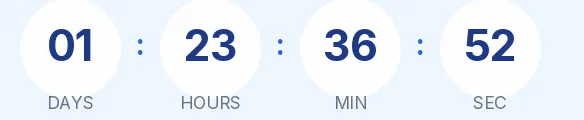
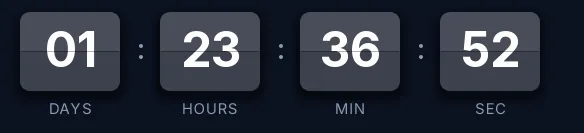
Webinar · Rounded
FREE -
-
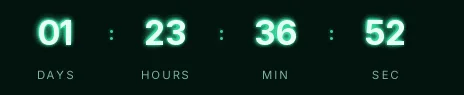
Webinar · Neon
PRO -
No template matches that combination.
About the templates
Are the templates free?
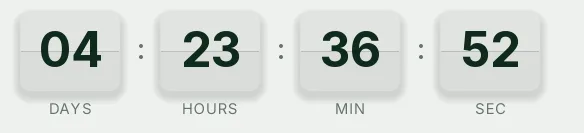
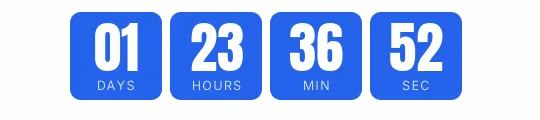
The Blocks, Minimal and Rounded ones are: you create them without signing up and they carry no watermark up to 25,000 impressions a month. Split-flap, Neon and Bold XL are Pro styles: you can try them in the generator's preview, but to use them in an email you need the Pro plan.
What date does each template come with?
No fixed one. The generator sets the end date a few hours ahead of when you open it (72 hours for Black Friday, 24 for Cyber Monday, 5 days for Christmas, 6 hours for flash sales, 7 days for launches and 48 hours for webinars), in your time zone, so the preview moves. Change it to your campaign's date before creating the timer.
Can I change the colors, font or language?
Yes. The template is a starting point: in the generator you can change the date, time zone, units, font, colors and labels, which come in 9 languages.
Can I use the sample GIF as it is?
The license allows it, but it's a 30-second loop (15 for Split-flap) that doesn't count to your date. For a real countdown, press Use this template, set your date and create the timer.
Which email platforms do they work with?
Any platform that accepts an HTML block or an image by URL: Klaviyo, Mailchimp, HubSpot, Brevo, Shopify Email, ActiveCampaign and the rest. According to Microsoft, Outlook for Microsoft 365, 2021 and 2024 animates GIFs unless Windows animations are turned off; in that case you see the first frame, which already shows the time left.
What happens when the countdown reaches zero?
Each template has a closing text for its use case: Black Friday is over, Cyber Monday is over, Holiday shipping has ended, Offer ended, Available now or We are live. If you prefer, the timer hides and becomes a one-pixel transparent image.
License: free to use in emails
The gallery images and the timers you create from them can be used in any email, commercial ones included, with no credit required. Read the license