Flash sale neon countdown template
Digits with a pink glow on a near-black background. This flash sale is made for fashion, beauty or nightlife brands that already use pink and black in their emails and want a timer that belongs to the look, not a box bolted on at the last minute.
Pro style: try it free in the generator's preview. To use it in an email you need the Pro plan. See plans
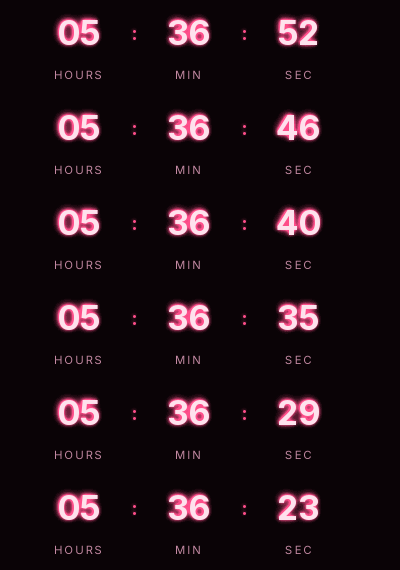
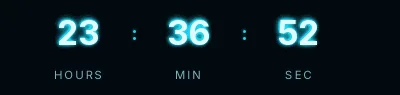
The glow is painted inside the GIF in two layers, so it doesn't depend on what each email client supports. It shows hours, minutes and seconds with no days, and comes in the small size: the glow already gives it presence.
On a light background neon loses its punch. If your email is white, the Minimal flash sale version fits better.
Use it for offers that last a few hours: a late-night discount code, a limited product drop, a presale. The closing time is the same for everyone; if you sell in several countries, write the time and time zone in the email copy too.
When it reaches zero it shows "Offer ended", or disappears if you prefer. Neon is a Pro style: you can try it free in the generator's preview and use it in emails on the Pro plan. Paste it into an HTML block in Klaviyo or Omnisend, or a Code block in Mailchimp.
How to use it
- Press Use this template: the generator on this page already has it loaded.
- Set your campaign's end date and time and check the time zone. Change anything you like: colors, font, units or the closing text.
- Press Create timer, copy the HTML and paste it into an HTML or code block in your email platform.
Create your timer from this template
The generator already has the template loaded. Change the date to your campaign's and press Create timer.

Animated GIF. Recalculated every time the email is opened.
Related templates
-
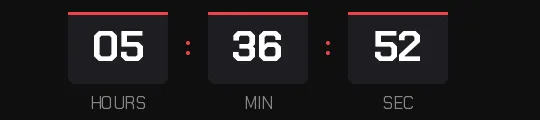
Flash sale · Blocks
FREE -
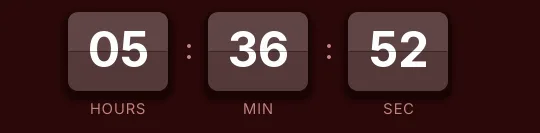
-
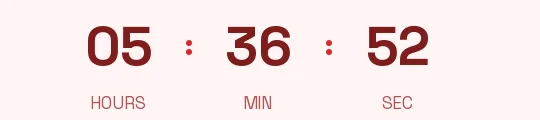
Flash sale · Minimal
FREE -
-
-
Christmas · Neon
PRO