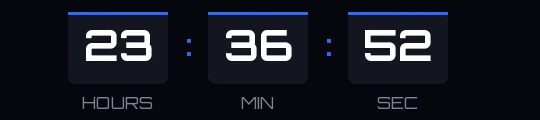
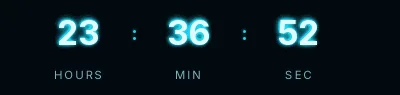
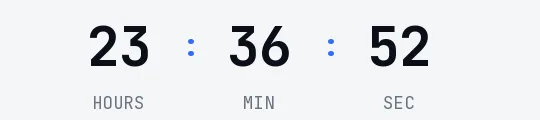
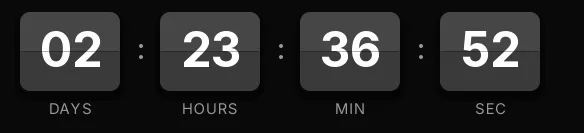
Cyber Monday split-flap countdown template
Two-tone purple cards with white digits on a dark indigo background. Every second the top flap folds down in a 120-millisecond frame, and in an email sent on the closing day that constant movement says time is running out without you having to write it.
Pro style: try it free in the generator's preview. To use it in an email you need the Pro plan. See plans
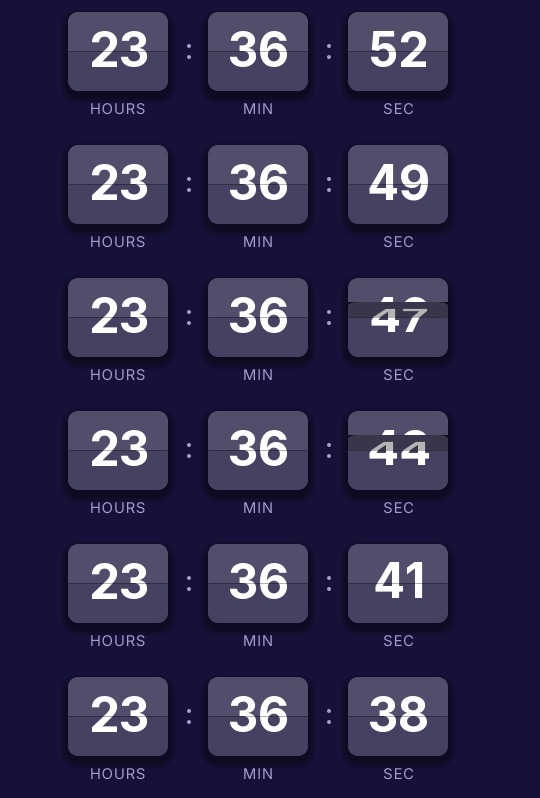
Purple sets Monday apart from the Black Friday weekend. If your November campaign runs on black and yellow, this template signals a new day and a new offer even when the email keeps the same layout. It suits electronics and gaming stores well.
It shows hours, minutes and seconds, which is what matters on Monday. The GIF loop lasts 15 seconds instead of the 30 of the classic styles, and opening the email again generates a fresh one with the correct time.
With the Pro plan you can set a different link for when it ends. While the offer runs, the click goes to your Cyber Monday page; afterwards it goes to your homepage or your new arrivals, and nobody lands on an expired discount. When it reaches zero it shows "Cyber Monday is over".
Split-flap is a Pro style. You can try it free in the generator's preview, but to create the timer and use it in an email you need the Pro plan. Paste it as HTML into a Klaviyo block, an HTML block in ActiveCampaign or HubSpot's HTML module.
How to use it
- Press Use this template: the generator on this page already has it loaded.
- Set your campaign's end date and time and check the time zone. Change anything you like: colors, font, units or the closing text.
- Press Create timer, copy the HTML and paste it into an HTML or code block in your email platform.
Create your timer from this template
The generator already has the template loaded. Change the date to your campaign's and press Create timer.

Animated GIF. Recalculated every time the email is opened.