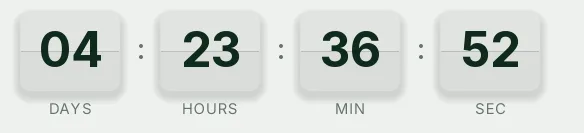
Webinar split-flap countdown template
Split-flap cards in slate blue on a navy background. Every second the flap drops and the digit changes, like a station departures board. For a webinar or an online event it feels like an appointment: something starts at a set time and won't wait for anyone.
Pro style: try it free in the generator's preview. To use it in an email you need the Pro plan. See plans
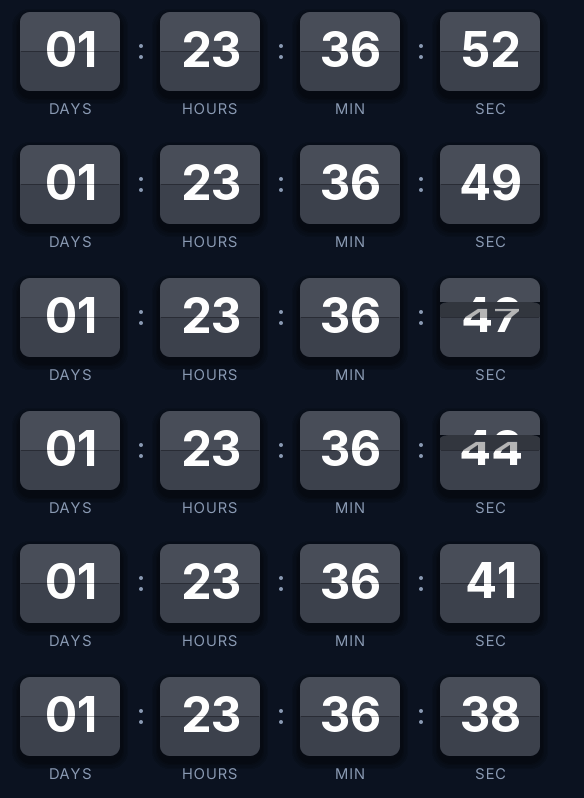
It's a good fit for online conferences, live product presentations or demos with many registrants, where the reminder competes with other invitations in the inbox.
It counts days, hours, minutes and seconds. The GIF loop lasts 15 seconds and every open of the email generates a new one with the correct time. Once the session starts it shows "We are live".
On the Pro plan you get the different link once it ends as well as the style: before the session the click goes to the registration page, and afterwards to the recording.
Split-flap is a Pro style. You can try it free in the generator's preview; to create the timer and send it you need the Pro plan. Paste it into HubSpot's HTML module, an HTML block in Klaviyo or an HTML block in ActiveCampaign.
How to use it
- Press Use this template: the generator on this page already has it loaded.
- Set your campaign's end date and time and check the time zone. Change anything you like: colors, font, units or the closing text.
- Press Create timer, copy the HTML and paste it into an HTML or code block in your email platform.
Create your timer from this template
The generator already has the template loaded. Change the date to your campaign's and press Create timer.

Animated GIF. Recalculated every time the email is opened.
Related templates
-
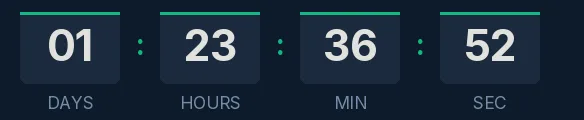
Webinar · Blocks
FREE -
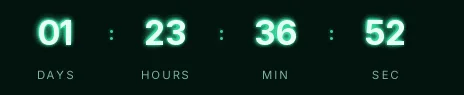
Webinar · Neon
PRO -
Webinar · Minimal
FREE -
-
-