Webinar countdown template in blocks
Navy boxes with a green top bar and light digits. It's a calm countdown for webinar invitations, live classes or product demos: it conveys a date and time without the sales tone that red or yellow carry.
Free style: no signup and no watermark up to 25,000 impressions a month.
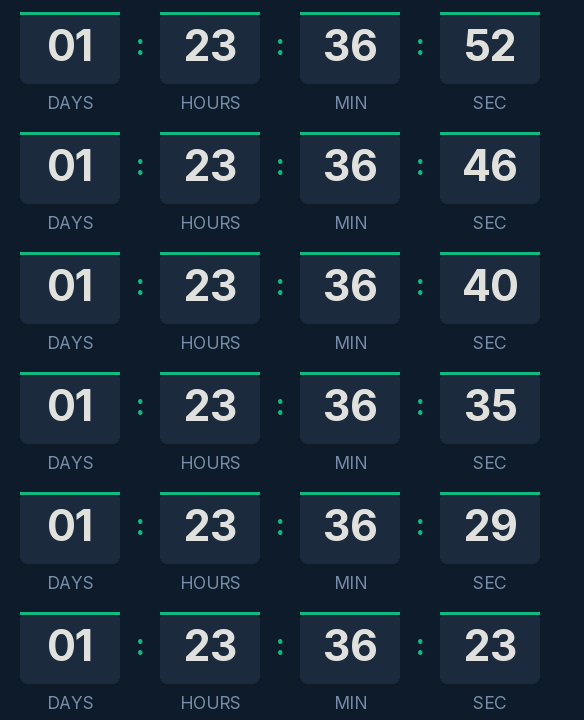
It counts days, hours, minutes and seconds to the start of the session. Use it in the registration confirmation and in the reminders (two days before, one hour before) with the same URL; each one shows the time left at the moment it's opened.
When it reaches zero, the GIF shows "We are live". If you add a link to the timer, which needs a free account with a confirmed email, the click can take people straight into the webinar room.
The start time is a single moment for everyone, so the timer reads the same in New York as in London. Even so, write the time in the email copy, with its time zone, for anyone reading without images.
Blocks is free, with no signup and no watermark up to 25,000 impressions a month. Paste it into HubSpot's HTML module, an HTML block in ActiveCampaign or a Code block in Mailchimp.
How to use it
- Press Use this template: the generator on this page already has it loaded.
- Set your campaign's end date and time and check the time zone. Change anything you like: colors, font, units or the closing text.
- Press Create timer, copy the HTML and paste it into an HTML or code block in your email platform.
Create your timer from this template
The generator already has the template loaded. Change the date to your campaign's and press Create timer.

Animated GIF. Recalculated every time the email is opened.
Related templates
-
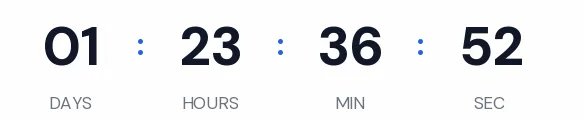
Webinar · Minimal
FREE -
-
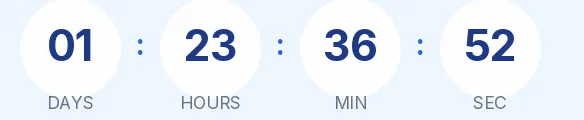
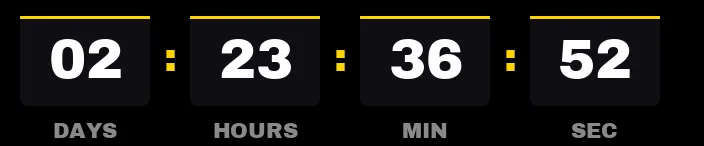
Webinar · Rounded
FREE -
-

-
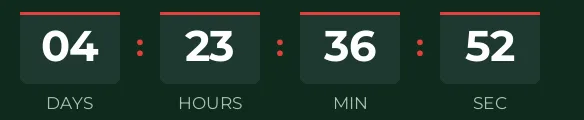
Christmas · Blocks
FREE