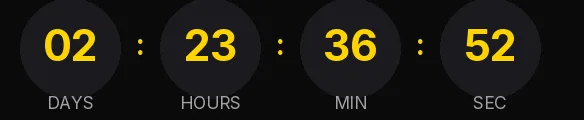
Christmas countdown template with circles
Wine red, cream digits and circles a shade lighter than the background. It's the warmest of the Christmas templates in the gallery, and it fits stores selling sweets, wine, home decor or handmade gifts, the kind that write to their list in December the way they'd write to people they know.
Free style: no signup and no watermark up to 25,000 impressions a month.
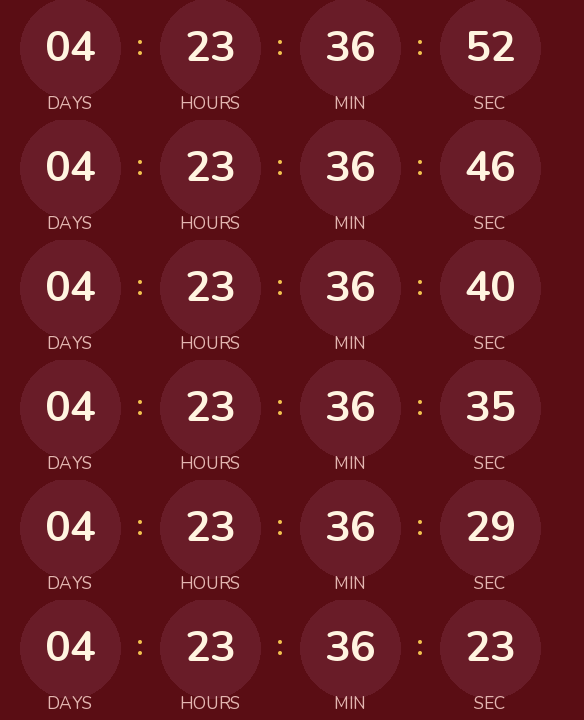
The digits are set in Nunito, whose rounded ends match the shape of the circles. Gold only appears in the colons between the units. It's a small touch, and enough to keep the timer from looking flat.
Use it in the email that opens your gift campaign, set to your last shipping day before Christmas Eve. Then reuse the same URL in the reminders: the GIF is worked out each time the email is opened, so on Tuesday it shows fewer days than on Monday without you touching anything.
If you offer in-store pickup or gift cards, which don't depend on a carrier, create a second timer to your closing time on the 24th for the emails you send after the cutoff. Anyone who opens the first email late then sees that shipping has closed, and the second one still gives them a way to buy.
When it reaches zero it shows "Holiday shipping has ended". Rounded is free and carries no watermark up to 25,000 impressions a month. Paste it into an HTML block in Omnisend or Klaviyo, or a custom Liquid section in Shopify Email.
How to use it
- Press Use this template: the generator on this page already has it loaded.
- Set your campaign's end date and time and check the time zone. Change anything you like: colors, font, units or the closing text.
- Press Create timer, copy the HTML and paste it into an HTML or code block in your email platform.
Create your timer from this template
The generator already has the template loaded. Change the date to your campaign's and press Create timer.

Animated GIF. Recalculated every time the email is opened.
Related templates
-
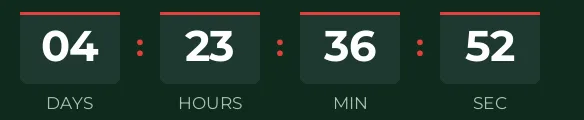
Christmas · Blocks
FREE -
-
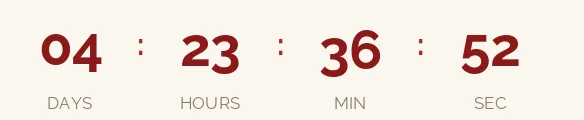
Christmas · Minimal
FREE -
-

-

Flash sale · Rounded
FREE