Christmas Bold XL countdown template
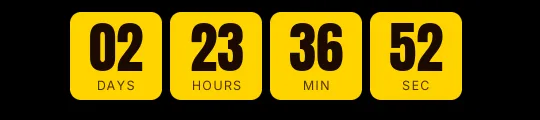
Solid fir green blocks with white digits in Anton, a tall condensed typeface, on a cream background. This is the template for the last-shipping-day email, the one that goes out that morning and has to say at a glance how many hours are left to order for delivery before Christmas Eve.
Pro style: try it free in the generator's preview. To use it in an email you need the Pro plan. See plans
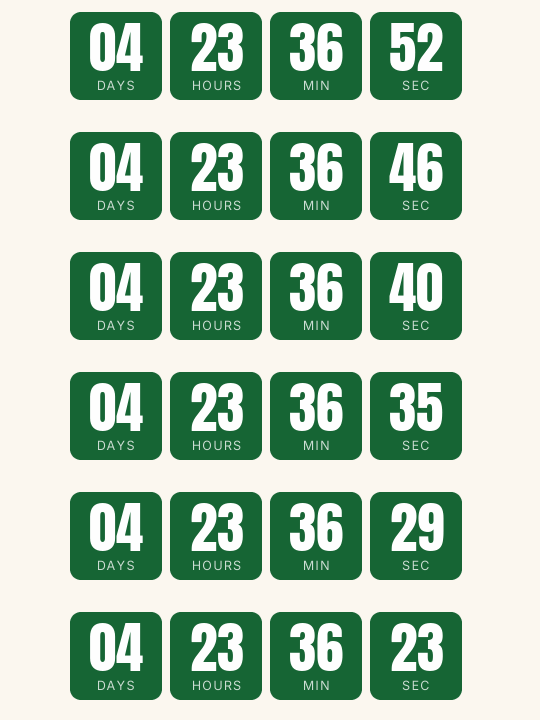
Each unit is a solid block in the accent color with its label inside, and there are no separators. The engine picks the digit color by contrast with the accent: on this green they come out white. If you swap it for your brand's red or a gold, the digits adjust on their own.
Save it for that final send. In the earlier emails of the campaign, a calmer version such as Rounded or Minimal is less tiring, and the big block stands out more when it finally shows up.
It counts to a fixed date with days, hours, minutes and seconds. On cutoff day the days are already at zero and the hours do the work; if you'd rather drop the days box in that email, untick it in the generator. When it reaches zero it shows "Holiday shipping has ended".
Bold XL is a Pro style: you can try it free in the generator's preview, and to use it in an email you need the Pro plan. Paste it into a custom Liquid section in Shopify Email or an HTML block in Klaviyo or ActiveCampaign.
How to use it
- Press Use this template: the generator on this page already has it loaded.
- Set your campaign's end date and time and check the time zone. Change anything you like: colors, font, units or the closing text.
- Press Create timer, copy the HTML and paste it into an HTML or code block in your email platform.
Create your timer from this template
The generator already has the template loaded. Change the date to your campaign's and press Create timer.

Animated GIF. Recalculated every time the email is opened.
Related templates
-
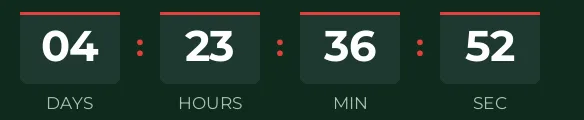
Christmas · Blocks
FREE -
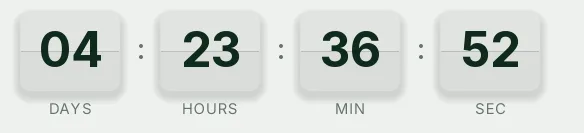
-
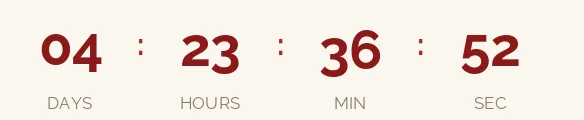
Christmas · Minimal
FREE -
-

-