Minimal Black Friday countdown template
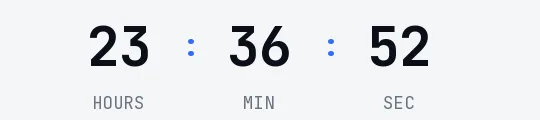
If your store's emails are white and understated, a countdown on a colored block would break the design. This one has no boxes: tall, condensed black digits in Oswald on white, with gray labels. It sits in the body of the email almost like text and leaves the product photo and the discount in charge.
Free style: no signup and no watermark up to 25,000 impressions a month.
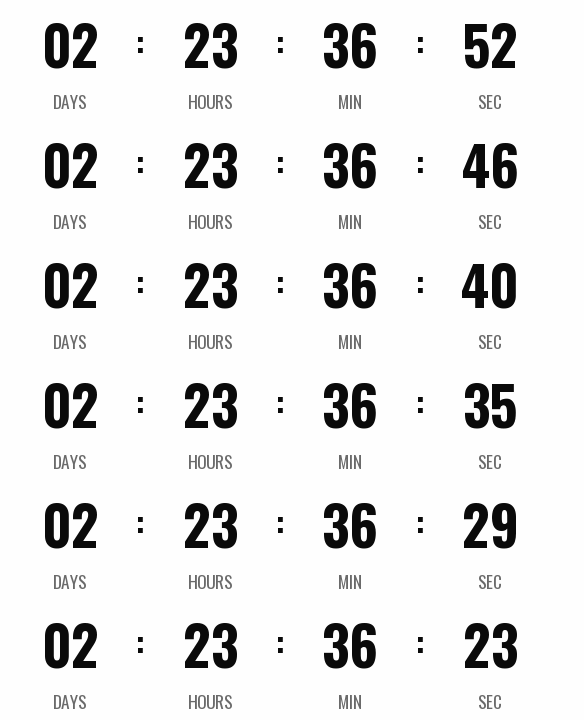
It works well in the last-call email, when the rest of the message is already loud enough. It also suits fashion or design brands that never use Black Friday yellow anywhere else and don't want to start because of a timer.
If your email template isn't pure white, switch on the transparent background in the generator and pick your email's background color. The engine smooths the edges of the digits against that color so no halo shows up. Minimal supports transparency; the Glass style, for example, doesn't.
It counts to a fixed date with days, hours, minutes and seconds. When it ends it shows "Black Friday is over" or disappears.
It's free and you create it without signing up. Paste it into a Code block in Mailchimp or an HTML block in Brevo or Klaviyo.
How to use it
- Press Use this template: the generator on this page already has it loaded.
- Set your campaign's end date and time and check the time zone. Change anything you like: colors, font, units or the closing text.
- Press Create timer, copy the HTML and paste it into an HTML or code block in your email platform.
Create your timer from this template
The generator already has the template loaded. Change the date to your campaign's and press Create timer.

Animated GIF. Recalculated every time the email is opened.
Related templates
-
-
-
-
-
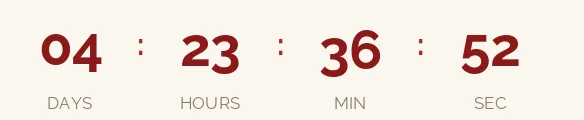
Christmas · Minimal
FREE -
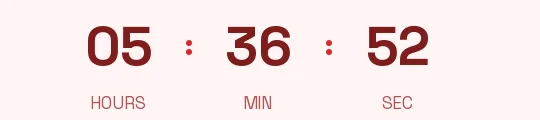
Flash sale · Minimal
FREE