Minimal Christmas countdown template
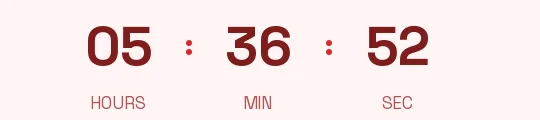
For stores that dress their December emails in cream and red, with wrapped product shots and plenty of white space. There are no boxes here: deep red digits in Raleway, a clean and elegant typeface, on the same cream as the email, with labels in a warm gray. The timer reads as part of the text and lets the photo and the message carry the weight.
Free style: no signup and no watermark up to 25,000 impressions a month.
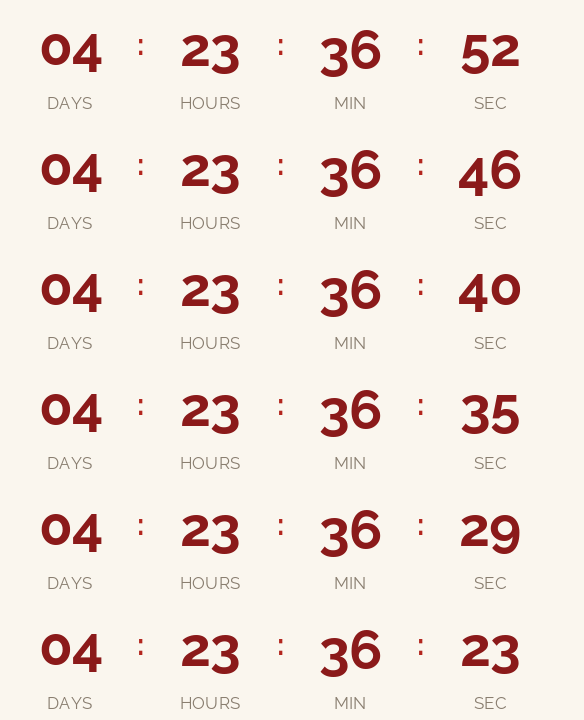
It suits gift, stationery, beauty or fashion brands that care about type and don't want a block of color in the middle of their holiday email. It also works in the second or third reminder of the campaign, when the first one already carried a louder version.
If your email isn't exactly this cream, switch on the transparent background in the generator and pick your template's background color. The engine smooths the edges of the digits against that color so no halo shows around them.
It counts days, hours, minutes and seconds to your last shipping day for delivery before Christmas Eve. When it reaches zero it shows "Holiday shipping has ended" or disappears, whichever you prefer. If you use it in a greeting email on the 25th, count to Christmas and change the closing text to your own.
It's free, needs no signup and carries no watermark up to 25,000 impressions a month. Paste it into a Code block in Mailchimp, an HTML block in Brevo or a Code block in MailerLite.
How to use it
- Press Use this template: the generator on this page already has it loaded.
- Set your campaign's end date and time and check the time zone. Change anything you like: colors, font, units or the closing text.
- Press Create timer, copy the HTML and paste it into an HTML or code block in your email platform.
Create your timer from this template
The generator already has the template loaded. Change the date to your campaign's and press Create timer.

Animated GIF. Recalculated every time the email is opened.
Related templates
-
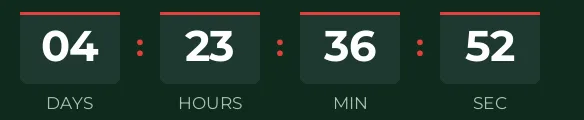
Christmas · Blocks
FREE -
-
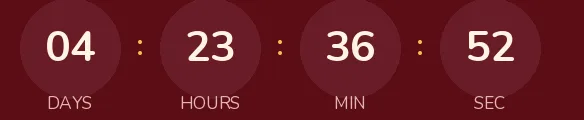
Christmas · Rounded
FREE -
-
-
Flash sale · Minimal
FREE