Minimal flash sale countdown template
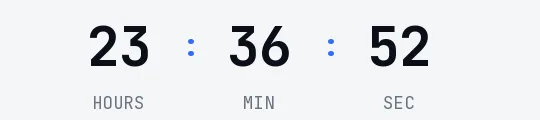
Deep red digits in Space Grotesk on a very pale pink, with no boxes. It's a flash sale for light emails, from brands that care about type and don't want a timer that looks like an ad. The urgency comes from the moving seconds, not from the color.
Free style: no signup and no watermark up to 25,000 impressions a month.
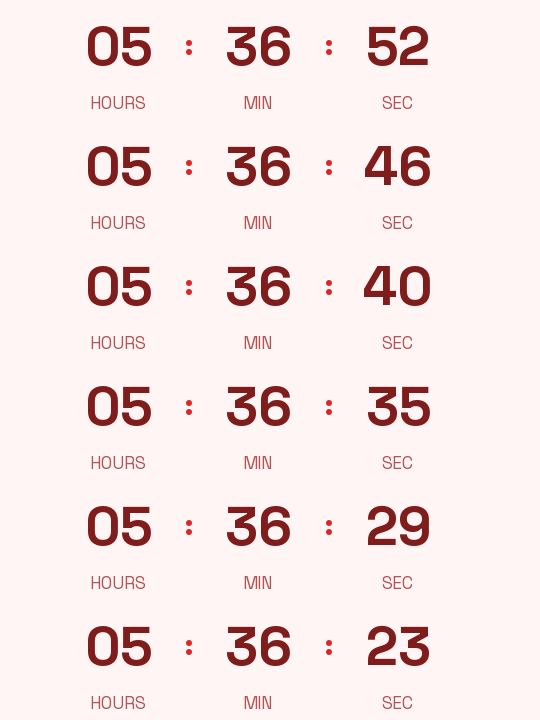
It shows hours, minutes and seconds. In a six-hour offer the days box would always read 00; without it the digits get more room in the same width.
The pink background is meant to sit inside a block of the same color in your email. If your email is white, switch on the transparent background in the generator and set white as the background color: the digits sit cleanly on it, with no box around them.
Use it in newsletters with a deal of the day, in a small store's "today only" email or in the reminder for a private sale. For an offer that repeats every day at the same time, a recurring timer on the Starter plan saves you creating a new one each morning.
When it reaches zero it shows "Offer ended". It's free and needs no signup. Paste it into a Code block in Mailchimp, an HTML block in Brevo or an HTML Block in Kit.
How to use it
- Press Use this template: the generator on this page already has it loaded.
- Set your campaign's end date and time and check the time zone. Change anything you like: colors, font, units or the closing text.
- Press Create timer, copy the HTML and paste it into an HTML or code block in your email platform.
Create your timer from this template
The generator already has the template loaded. Change the date to your campaign's and press Create timer.

Animated GIF. Recalculated every time the email is opened.
Related templates
-
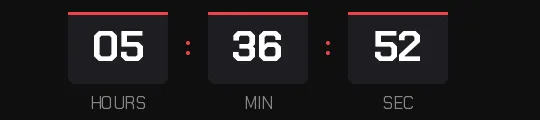
Flash sale · Blocks
FREE -
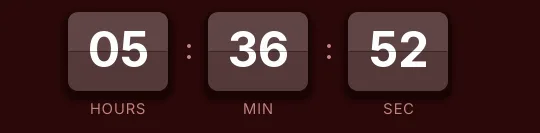
-
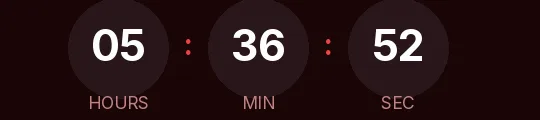
Flash sale · Rounded
FREE -
-
-
Christmas · Minimal
FREE