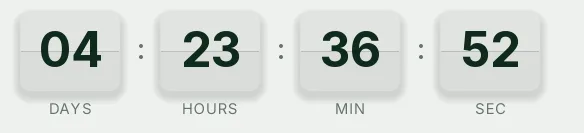
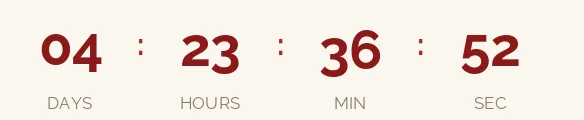
Christmas 2026 is on Friday, December 25. There are 84 days left. Below is a countdown GIF you can paste into any email, in dark, light or transparent versions. If you sell online, the most useful deadline is usually your last day to order for delivery by Christmas, and you can switch to it in the generator.
Updated on · AP Agency
Christmas 2026 is on Friday, December 25. There are 84 days left. Below are three countdowns ready to copy, plus the generator already set to that date in case you want different colors, a different style or, most often, a different end date.
For an online store, the deadline that drives December sales comes earlier: the last day to order and still get the package by Christmas Eve. You set that date yourself, because it depends on your carrier and on how long you take to pack an order.
Three countdowns ready to copy
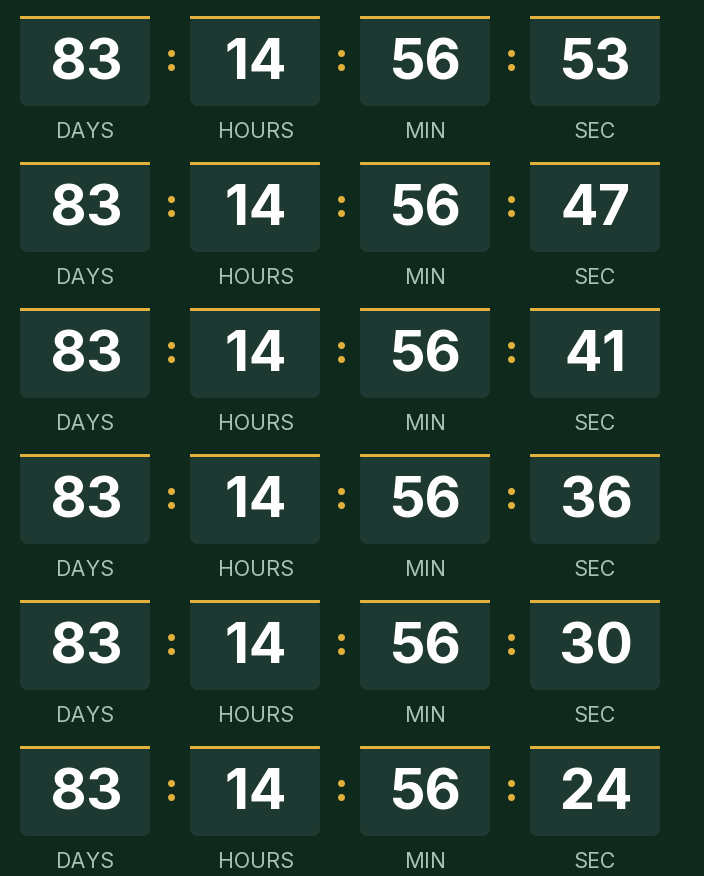
Dark
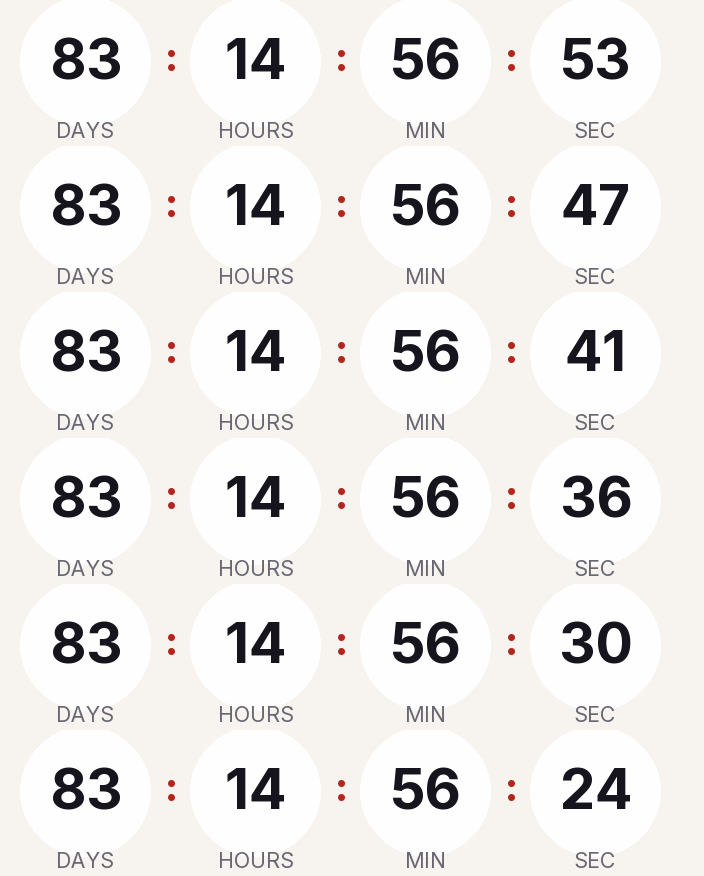
Light
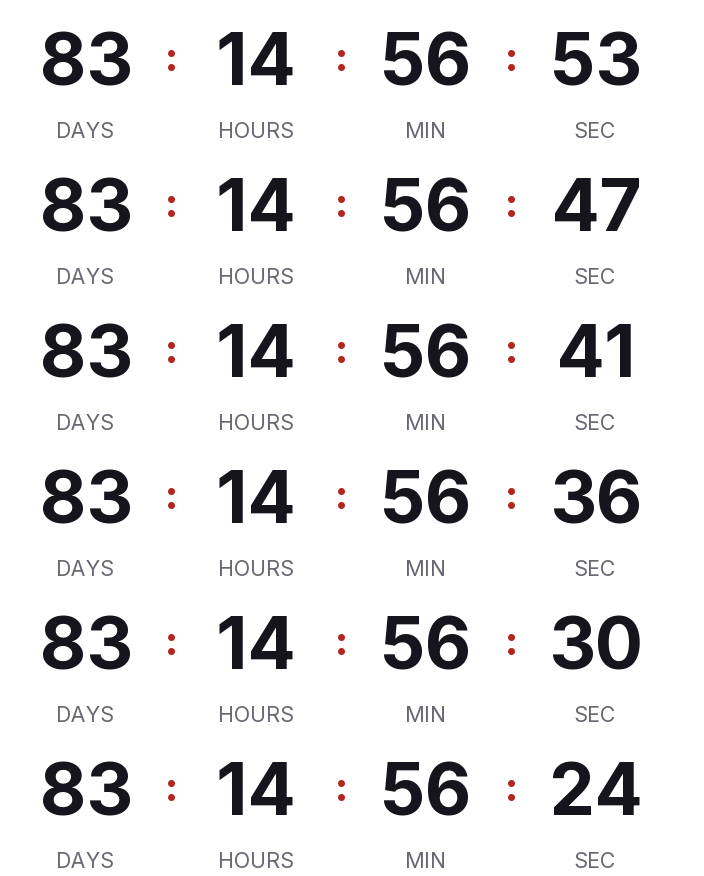
Transparent
Copying creates your timer: free, no signup and editable from this browser.
All three count down to December 25 at 12:00 a.m. Eastern. If you're counting to your shipping cutoff instead, change the date and time in the generator before you copy the code.
Dark. Deep green background, white digits and a gold accent in large blocks. It sits well under a dark holiday header.
Light. Cream background with near-black digits in rounded cells, for white or beige templates.
Transparent. Just digits and labels with no background, so it picks up your template's color. It ships with dark digits; switch them to white if your email is dark.
Copy the HTML if your ESP has a code block, or the URL if it only accepts images by link. All three styles are on the free plan.
Make your own
The generator is already set up for this page. Change what you need and press Create timer.
Live
Animated GIF. Recalculated every time the email is opened.
Fixed date or evergreen: which one goes in each email
A fixed-date timer counts down to the same instant for everyone. That's what you need for Christmas and for a shipping cutoff, since the last truck leaves at the same time for every customer.
An evergreen timer counts a set duration (say, 48 hours) from when each person opens the email. Without a paid account the clock restarts on every open, so it doesn't work for a shipping deadline: you'd be telling someone they have 48 hours when your last order for Christmas delivery closes tomorrow. On the Starter plan, evergreen runs per recipient: the first open sets the start and later opens show what's left. That fits automated flows, like a welcome coupon for people who subscribe in December.
USPS shipping deadlines for 2026
USPS has published its recommended send-by dates for expected delivery before December 25 within the contiguous U.S.:
USPS Ground Advantage and First-Class Mail: Thursday, December 17.
Priority Mail: Friday, December 18.
Priority Mail Express: Saturday, December 19.
For Alaska, Hawaii, Puerto Rico and U.S. territories, Ground Advantage moves up to December 16. USPS adds that actual delivery dates vary with origin, destination and Post Office acceptance time. If you ship with UPS, FedEx or a regional carrier, use their published dates, then subtract your own handling time.
Suggested send schedule
Treat this as a starting point. Replace "your cutoff" with your store's real last ship date.
Email
When
Timer
Why
Shipping dates
Tuesday, December 1, right after Cyber Monday
Fixed, to your cutoff
It's the next deadline gift shoppers care about
Reminder
Two or three days before the cutoff
The same timer
The image is rendered at open, so it already shows less time
Last shipping day
Cutoff day, morning
The same timer
Now the GIF shows only hours
After the cutoff
Through Thursday, December 24
Fixed, to your closing time on the 24th
For whatever doesn't need a carrier: in-store pickup or gift cards, if you offer them
New subscribers
On signup
Per-recipient evergreen (Starter)
Each person gets their own window, counted from their first open
If your December campaign starts with November's sales, the Black Friday countdown works the same way.
Common mistakes
Reusing your Black Friday timer. If you edit November's timer to count to Christmas, the change also reaches the Black Friday emails you already sent. Create a new one.
Counting to midnight. A shipping cutoff rarely ends at 12:00 a.m. If your warehouse hands packages to the carrier at 2 p.m., use that time, and write the date and time in the email copy next to the timer.
Time zones. The end is a single instant. A cutoff at 2 p.m. Eastern is 11 a.m. in Los Angeles. If you sell across zones, say which one you mean.
Apple Mail. With Mail Privacy Protection on, Apple downloads images in the background when the email arrives, whether or not it's opened. The GIF may reflect the moment of that download rather than the moment someone reads it, and Klaviyo warns that countdowns may not render correctly in Apple Mail for this reason.
Gmail. Gmail scans images before showing them and doesn't let senders learn where the reader is. Don't count on the reader's IP to guess their time zone; our timer uses the zone you choose, the same for everyone.
Outlook. According to Microsoft, Outlook for Microsoft 365, 2021 and 2024 play animated GIFs unless the user has turned off Windows animations; Outlook 2007, 2010 and 2013 show only the first frame. In our GIF that frame is complete and shows the time left at open.
The ending. Decide what shows at zero. For a shipping cutoff, "Holiday shipping has ended" tells people more than "Merry Christmas!" If you extend the cutoff, edit the timer and emails you've already sent will show the new date.
Paste it into your ESP
Any platform that accepts an HTML block or an image by URL will work. We have step-by-step guides for Klaviyo, Mailchimp, HubSpot and Shopify Email, covering where the block lives and how to test before you send.
Always send a test to a Gmail address and an Outlook address before you schedule the campaign.
Friday, December 25, 2026. It's a federal holiday, and Christmas Eve falls on Thursday, December 24.
What are the USPS holiday shipping deadlines for 2026?
For the contiguous U.S., USPS recommends shipping by Thursday, December 17 for Ground Advantage and First-Class Mail, Friday, December 18 for Priority Mail and Saturday, December 19 for Priority Mail Express. USPS says actual delivery dates may vary. Check UPS, FedEx or your own carrier separately.
Should I count down to Christmas or to my shipping cutoff?
For sales emails, usually your shipping cutoff, because that's the deadline that changes what a customer does. A countdown to the 25th works for brand or greeting emails.
What happens when it reaches zero?
The GIF shows the expired message you wrote, such as Merry Christmas! or Holiday shipping has ended, or a 1 pixel transparent image if you'd rather it disappear.
Does it work in Outlook?
Microsoft says Outlook for Microsoft 365, 2021 and 2024 play animated GIFs by default. If the reader has Windows animations turned off, or uses Outlook 2007, 2010 or 2013, they see only the first frame, which already shows the time left when the email was opened.
Is there a watermark?
No. A free timer is served without any branding up to 25,000 impressions a month. Above that, a small line of text appears under the countdown; paid plans never get it.
Christmas Day 2026 is a federal holiday on Friday, December 25. opm.gov, accessed on
USPS recommended 2026 holiday send-by dates for the contiguous U.S.: Ground Advantage and First-Class Mail Dec 17, Priority Mail Dec 18, Priority Mail Express Dec 19 (release of Sept 22, 2026). about.usps.com, accessed on
USPS holiday shipping page: actual delivery date may vary and is based on origin, destination, Post Office acceptance time and other conditions. usps.com, accessed on
Outlook for Microsoft 365, 2021 and 2024 play animated GIFs by default; with animations disabled only the first frame shows. support.microsoft.com, accessed on
Outlook 2007, 2010 and 2013 show the first frame; countdowns may not render correctly in Apple Mail because of preloading. help.klaviyo.com, accessed on
Apple Mail Privacy Protection downloads remote content in the background whether or not the email is opened, through two relays. apple.com, accessed on
Gmail scans images before showing them and senders can't use image loading to learn the reader's location. support.google.com, accessed on
Engine behavior: 30 one-second frames looping, full first frame, expired text or hidden, branding only on free timers above 25,000 impressions a month, rid ignored on the free plan. Kauntodaun technical documentation, accessed on
Timers can be edited after the email is sent (anonymous ones too, with the browser token). Kauntodaun technical documentation, accessed on