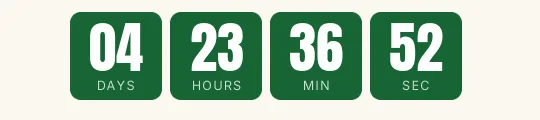
Flash sale Bold XL countdown template
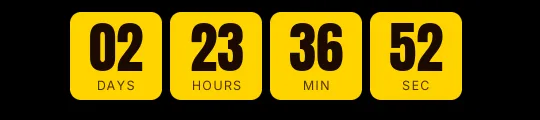
Three red blocks with white digits in Anton and no separators. It's the most direct flash sale in the gallery: it gets the message across before anyone reads the email, which is why it works at the top of a "3 hours left" send or a lightning deal.
Pro style: try it free in the generator's preview. To use it in an email you need the Pro plan. See plans

The engine picks the digit color by contrast with the block; on this red they come out white. The labels sit inside each block in small capitals, so the timer doesn't take up much height.
Hiding the days is on purpose: in an offer that lasts hours they would always read zero. If you extend the offer beyond a day, the hours keep adding up (36 hours, 40 hours) without cutting anything off.
One warning: a red block this big gets tiring if your list receives flash sales every week. Use it for offers that really end at that time, with the discount set to expire at the same moment. When it reaches zero it shows "Offer ended".
Bold XL is a Pro style: you can try it in the preview, but creating the timer requires the Pro plan. Paste it into an HTML block in Klaviyo or Brevo, or a custom Liquid section in Shopify Email.
How to use it
- Press Use this template: the generator on this page already has it loaded.
- Set your campaign's end date and time and check the time zone. Change anything you like: colors, font, units or the closing text.
- Press Create timer, copy the HTML and paste it into an HTML or code block in your email platform.
Create your timer from this template
The generator already has the template loaded. Change the date to your campaign's and press Create timer.

Animated GIF. Recalculated every time the email is opened.
Related templates
-
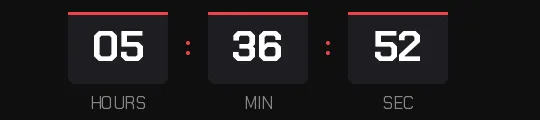
Flash sale · Blocks
FREE -
-
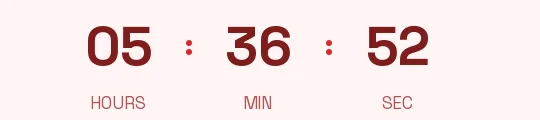
Flash sale · Minimal
FREE -
-

-