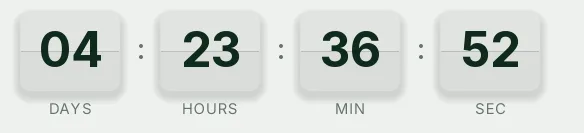
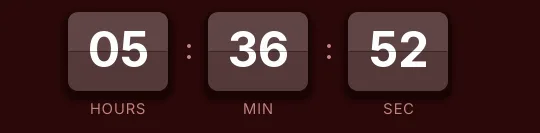
Black Friday split-flap countdown template
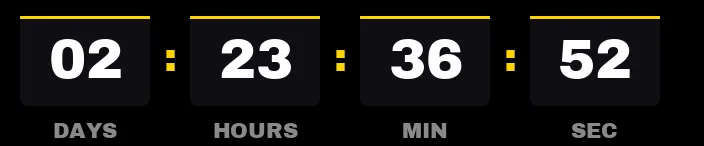
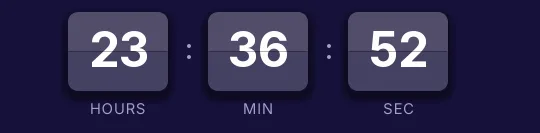
Split-flap mimics an airport departures board. Each digit sits on a two-tone card split by a thin gap, and when it changes the top flap folds down in a 120-millisecond frame. That movement is what sets this template apart from a flat timer: it catches the eye without loud colors.
Pro style: try it free in the generator's preview. To use it in an email you need the Pro plan. See plans
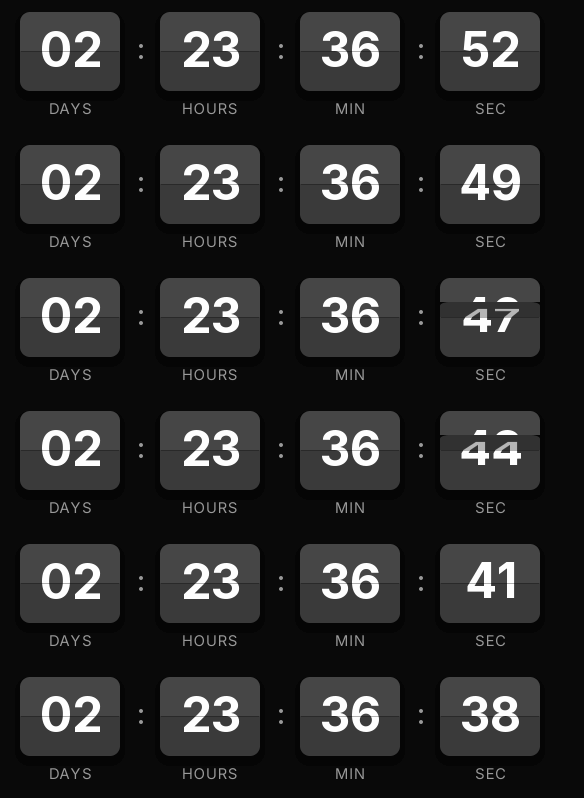
Here it comes in black and gray with white digits. It's Black Friday for brands that prefer an elegant black to sale-season yellow: electronics, watches, premium beauty. Put your brand color on the email's button and let the timer bring the rhythm.
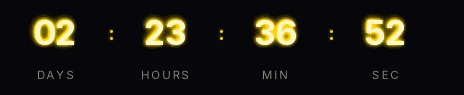
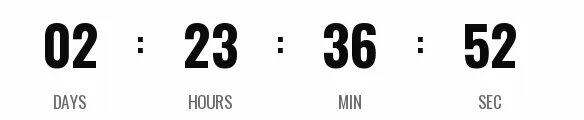
It counts days, hours, minutes and seconds to a fixed date. The GIF loop lasts 15 seconds instead of the 30 of the classic styles, and opening the email again generates a fresh one with the correct time. When it reaches zero it shows "Black Friday is over".
Split-flap is a Pro style. You can try it free in the generator's preview, but to create the timer and use it in an email you need the Pro plan. Paste it as HTML into a Klaviyo block, HubSpot's HTML module or an HTML block in ActiveCampaign.
How to use it
- Press Use this template: the generator on this page already has it loaded.
- Set your campaign's end date and time and check the time zone. Change anything you like: colors, font, units or the closing text.
- Press Create timer, copy the HTML and paste it into an HTML or code block in your email platform.
Create your timer from this template
The generator already has the template loaded. Change the date to your campaign's and press Create timer.

Animated GIF. Recalculated every time the email is opened.