Webinar countdown template with circles
White circles on a very light blue, with dark blue digits. It has a friendly, calendar-like feel and suits training webinars, online classes and community events where the tone matters as much as the date.
Free style: no signup and no watermark up to 25,000 impressions a month.
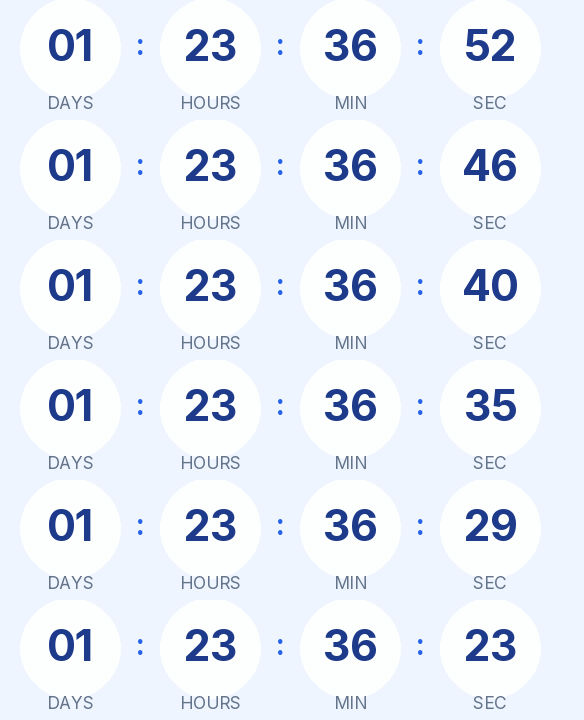
All four units sit inside their circles, with blue separators. The light background goes with white emails or soft colored blocks; on a dark email it would look like a patch.
For a series of classes that repeats every week at the same time, you don't need one timer per session. A weekly recurring timer, on the Starter plan, always counts to the next class, including on the days the clocks change.
For a one-off webinar, keep the fixed type with the start date and time. When it reaches zero it shows "We are live", and anyone opening the email afterwards won't see a row of zeros.
Rounded is a free style and needs no signup. Paste it into an HTML block in ActiveCampaign, a Code block in MailerLite or an HTML block in Mailjet, which also has its own countdown block for fixed dates.
How to use it
- Press Use this template: the generator on this page already has it loaded.
- Set your campaign's end date and time and check the time zone. Change anything you like: colors, font, units or the closing text.
- Press Create timer, copy the HTML and paste it into an HTML or code block in your email platform.
Create your timer from this template
The generator already has the template loaded. Change the date to your campaign's and press Create timer.

Animated GIF. Recalculated every time the email is opened.
Related templates
-
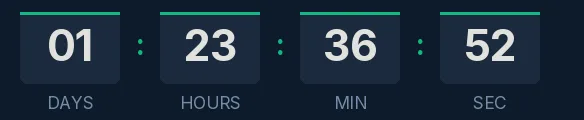
Webinar · Blocks
FREE -
-
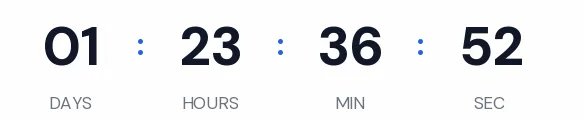
Webinar · Minimal
FREE -
-
-
Christmas · Rounded
FREE