Webinar neon countdown template
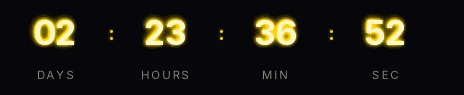
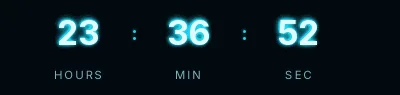
Digits with a green glow on a near-black green background, like a terminal screen. It's the webinar for a technical audience: developer meetups, API demos, security or data events, where a corporate blue timer would go unnoticed.
Pro style: try it free in the generator's preview. To use it in an email you need the Pro plan. See plans
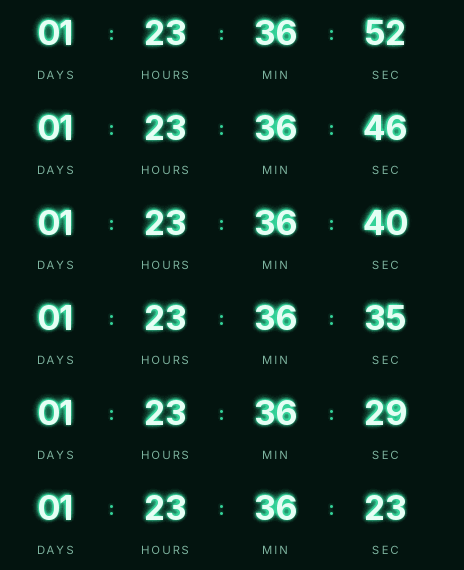
The glow is painted inside the GIF in two layers, so it looks the same in any email client that shows images. It comes in the small size, with capital labels and wide letter spacing.
It counts days, hours, minutes and seconds to the start. Use it in the invitation and the reminders with the same URL; at start time it shows "We are live".
It needs a dark email. If your template is white, the Minimal or Rounded webinar styles look better, and they're free too.
If the webinar repeats every week, a recurring timer (from the Starter plan) saves you updating the date. Neon is a Pro style: you can try it free in the preview and use it in emails on the Pro plan. Paste it into HubSpot's HTML module, a Code block in Mailchimp or an HTML block in Klaviyo.
How to use it
- Press Use this template: the generator on this page already has it loaded.
- Set your campaign's end date and time and check the time zone. Change anything you like: colors, font, units or the closing text.
- Press Create timer, copy the HTML and paste it into an HTML or code block in your email platform.
Create your timer from this template
The generator already has the template loaded. Change the date to your campaign's and press Create timer.

Animated GIF. Recalculated every time the email is opened.
Related templates
-
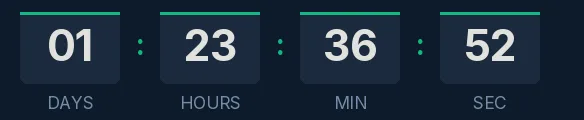
Webinar · Blocks
FREE -
-
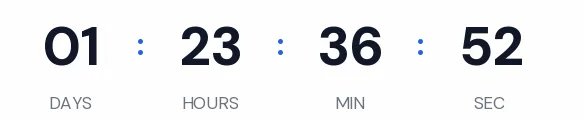
Webinar · Minimal
FREE -
-
-
Christmas · Neon
PRO