Launch neon countdown template
Digits with a purple glow on midnight blue. This is the countdown for launches that feel like events: a video game, an app, a brand collaboration, an edition announced days in advance and followed on social media.
Pro style: try it free in the generator's preview. To use it in an email you need the Pro plan. See plans
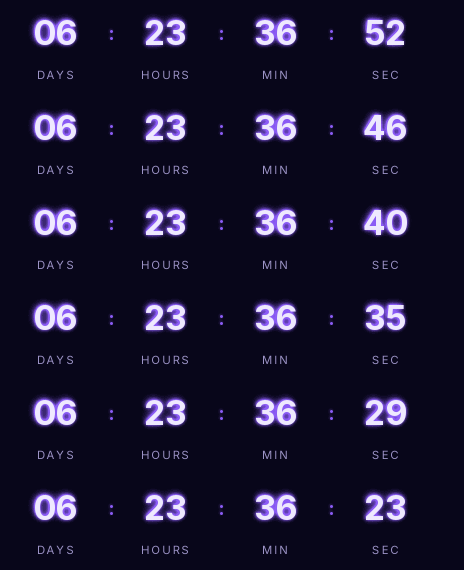
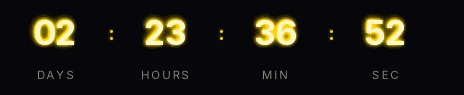
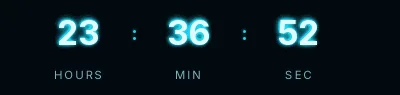
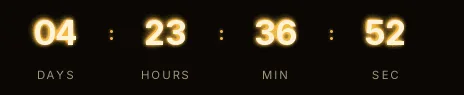
The glow is drawn inside the image in two blurred layers, so it doesn't depend on the email client. The labels, in capitals with wide letter spacing, give it a poster look. It comes in the small size, which is enough because the glow already takes up visual space.
Use it in the announcement, in the reminder the day before and, with the same URL, in the launch email: from launch time onwards it shows "Available now".
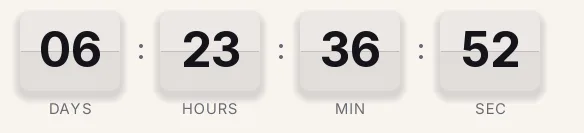
It works poorly on a white background. If your email is light, the Minimal style or the light Split-flap version fit better.
Neon is a Pro style: you can try it in the preview without paying, and to create the timer and send it you need the Pro plan, which also lets you set a different link for when the countdown ends. Paste it into an HTML block in Klaviyo, a Code block in Mailchimp or HubSpot's HTML module.
How to use it
- Press Use this template: the generator on this page already has it loaded.
- Set your campaign's end date and time and check the time zone. Change anything you like: colors, font, units or the closing text.
- Press Create timer, copy the HTML and paste it into an HTML or code block in your email platform.
Create your timer from this template
The generator already has the template loaded. Change the date to your campaign's and press Create timer.

Animated GIF. Recalculated every time the email is opened.
Related templates
-
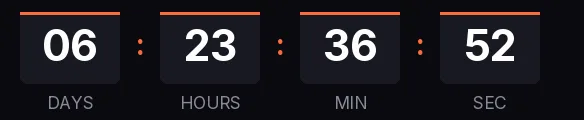
Launch · Blocks
FREE -
-
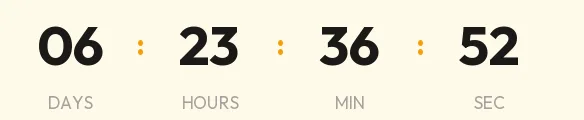
Launch · Minimal
FREE -
-
-
Christmas · Neon
PRO