Launch countdown template with circles
Circles on a very dark purple, white digits in Poppins and purple separators. It's a template for launching software, apps or online events. The deep purple gives a digital-product feel and doesn't compete with the email's button.
Free style: no signup and no watermark up to 25,000 impressions a month.
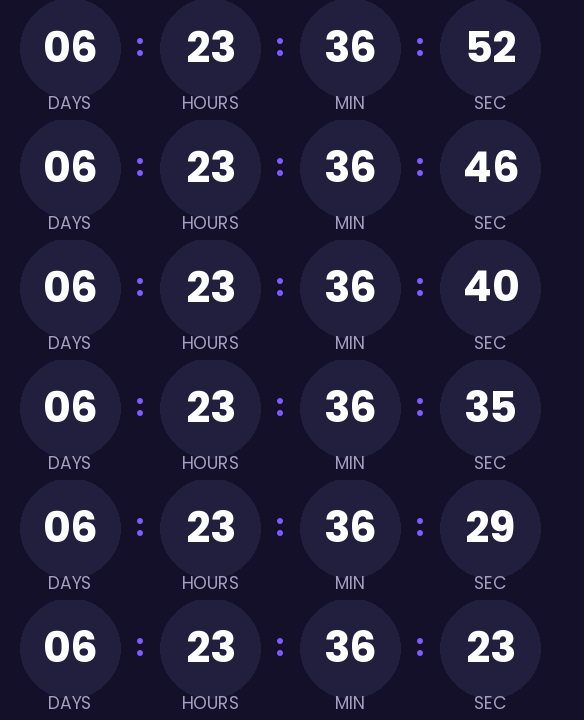
It shows all four units. With a week to go, the days give context and the seconds give movement. If the launch is less than 24 hours away, you can remove the days in the generator and the hours absorb them.
When it reaches zero it shows "Available now". If you want the click to go to one page before launch and another afterwards (the waitlist, then the store), that's the link once it ends, a Pro plan feature. The regular click link only needs a free account with a confirmed email.
For a launch with an audience across several time zones, the end is a single moment for everyone. Write the time in your audience's two or three main zones in the copy, for anyone reading the email without images.
Rounded is free and carries no watermark up to 25,000 impressions a month. Paste it into a Code block in Mailchimp, HubSpot's HTML module or an HTML block in ActiveCampaign.
How to use it
- Press Use this template: the generator on this page already has it loaded.
- Set your campaign's end date and time and check the time zone. Change anything you like: colors, font, units or the closing text.
- Press Create timer, copy the HTML and paste it into an HTML or code block in your email platform.
Create your timer from this template
The generator already has the template loaded. Change the date to your campaign's and press Create timer.

Animated GIF. Recalculated every time the email is opened.
Related templates
-
Launch · Blocks
FREE -
-
Launch · Minimal
FREE -
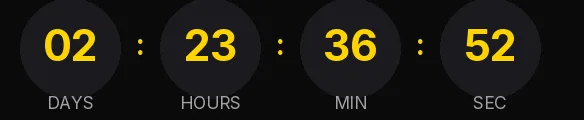
-
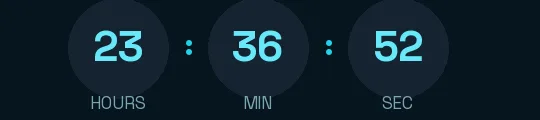
-
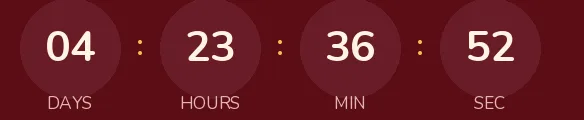
Christmas · Rounded
FREE