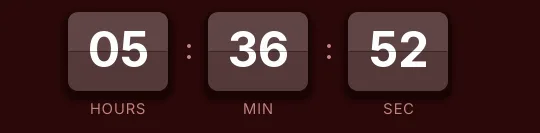
Christmas split-flap countdown template
Two-tone white cards with fir green digits, on a light gray background that brings snow to mind. Every second the top flap folds down in a 120-millisecond frame and shows the new digit, like a station departures board. That movement catches the eye without any red.
Pro style: try it free in the generator's preview. To use it in an email you need the Pro plan. See plans
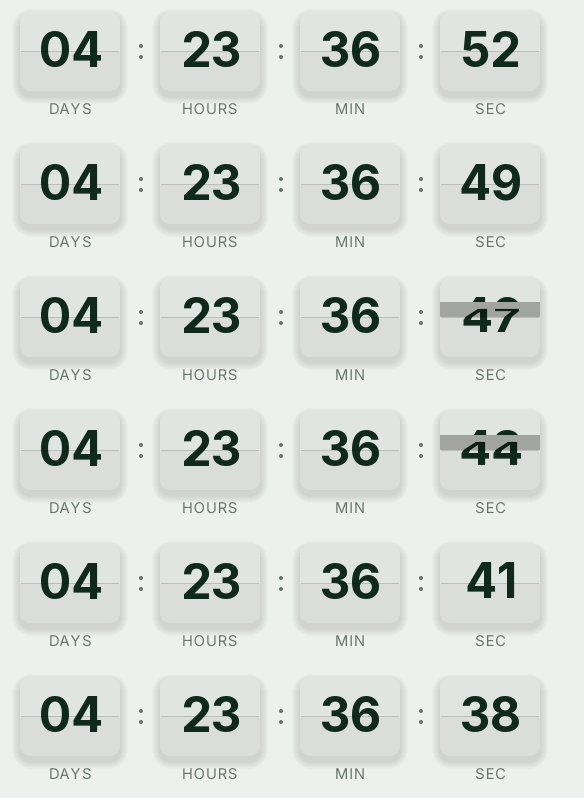
It's Christmas for brands with a light, restrained look, such as jewelers, watch shops or bookstores. Their December emails tend to be white and photo-heavy, and this timer fits that background while adding the rhythm a photo doesn't have.
It counts days, hours, minutes and seconds to your last shipping day. The loop lasts 15 seconds instead of the 30 of the classic styles, and every open generates a fresh GIF with the real time left. When it reaches zero it shows "Holiday shipping has ended".
With the Pro plan you can also set a different link for when the countdown ends. Before the cutoff the click goes to your store; after it, to your gift cards, if you sell them, since they don't depend on a carrier and still arrive in time for the 25th.
Split-flap is a Pro style. You can try it free in the generator's preview, but to create the timer and use it in an email you need the Pro plan. Paste it into an HTML block in Klaviyo, HubSpot's HTML module or a Code block in Mailchimp.
How to use it
- Press Use this template: the generator on this page already has it loaded.
- Set your campaign's end date and time and check the time zone. Change anything you like: colors, font, units or the closing text.
- Press Create timer, copy the HTML and paste it into an HTML or code block in your email platform.
Create your timer from this template
The generator already has the template loaded. Change the date to your campaign's and press Create timer.

Animated GIF. Recalculated every time the email is opened.
Related templates
-
Christmas · Blocks
FREE -
Christmas · Neon
PRO -
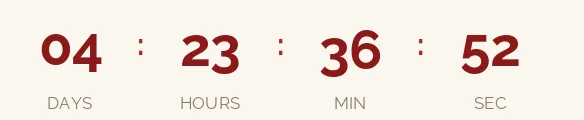
Christmas · Minimal
FREE -
-
-