Flash sale countdown template with circles
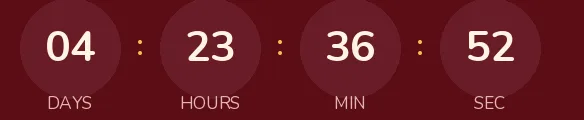
Three circles on a dark maroon background, with white digits and red separators. It's a flash sale with a warmer tone than the usual black and red, aimed at food, beauty or gift stores that send their list offers lasting a few hours.
Free style: no signup and no watermark up to 25,000 impressions a month.
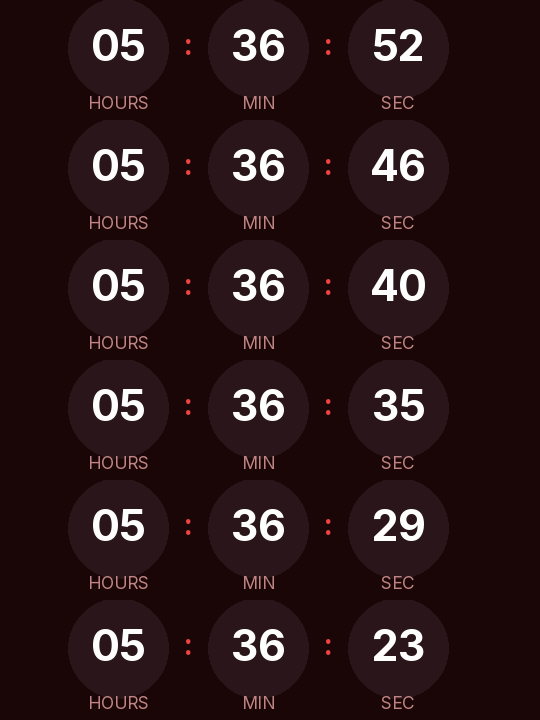
The circles give each unit its own space and make the time easy to read at a glance: hours on the left, seconds on the right. There is no days box; if an offer ever runs past 24 hours, the hours absorb the days.
It works best in a short email: product image, price, timer and button. With a lot of text around it, the timer gets buried and loses its effect.
It counts to a fixed time, the same for every recipient. Anyone who opens the email after the sale is over sees "Offer ended" instead of zeros, or nothing at all if you choose to hide it at zero.
Rounded is a free style and needs no signup. Paste it into a custom Liquid section in Shopify Email or an HTML block in Klaviyo or Omnisend. In Shopify, give the discount the same end date so the timer tells the truth.
How to use it
- Press Use this template: the generator on this page already has it loaded.
- Set your campaign's end date and time and check the time zone. Change anything you like: colors, font, units or the closing text.
- Press Create timer, copy the HTML and paste it into an HTML or code block in your email platform.
Create your timer from this template
The generator already has the template loaded. Change the date to your campaign's and press Create timer.

Animated GIF. Recalculated every time the email is opened.
Related templates
-
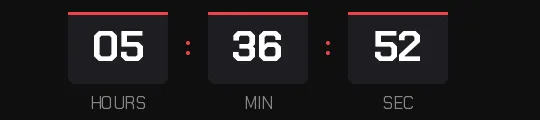
Flash sale · Blocks
FREE -
-
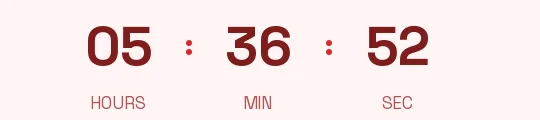
Flash sale · Minimal
FREE -
-
-
Christmas · Rounded
FREE