Flash sale countdown template in blocks
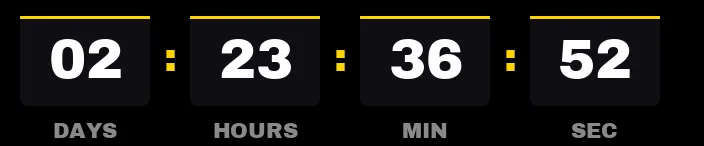
A flash sale is measured in hours, so this template hides the days and shows hours, minutes and seconds. Three boxes take up the width that four used to, and the seconds, which are what moves when the email opens, come out bigger.
Free style: no signup and no watermark up to 25,000 impressions a month.
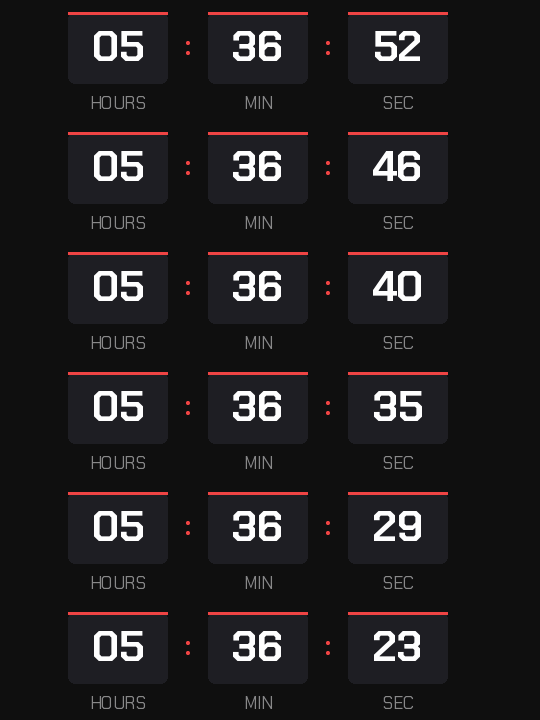
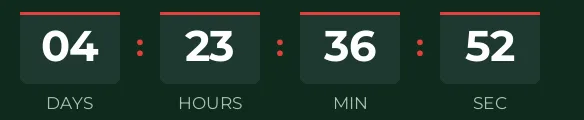
The digits are set in Chakra Petch, an angular typeface that recalls a digital scoreboard. Red only appears on the bar above each box and on the separators: enough to signal urgency without turning the whole email red.
If there are more than 24 hours left nothing is lost, because the hours absorb the days and the timer shows, say, 30 hours. That helps when the same offer goes out with a day to spare.
It counts to a fixed time, the same for your whole list. Set the discount to expire at that moment; if the code keeps working afterwards, the timer loses credibility for your next offer. When it reaches zero it shows "Offer ended".
It's a free style, with no signup and no watermark up to 25,000 impressions a month. Paste it into an HTML block in Klaviyo or a Code block in Mailchimp or MailerLite.
How to use it
- Press Use this template: the generator on this page already has it loaded.
- Set your campaign's end date and time and check the time zone. Change anything you like: colors, font, units or the closing text.
- Press Create timer, copy the HTML and paste it into an HTML or code block in your email platform.
Create your timer from this template
The generator already has the template loaded. Change the date to your campaign's and press Create timer.

Animated GIF. Recalculated every time the email is opened.
Related templates
-
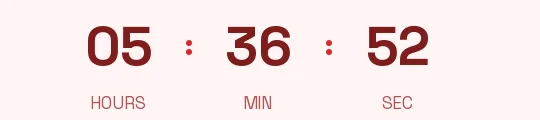
Flash sale · Minimal
FREE -
-
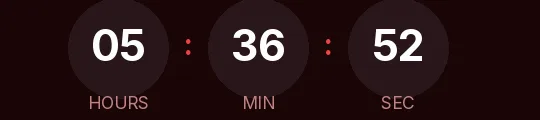
Flash sale · Rounded
FREE -
-

-
Christmas · Blocks
FREE