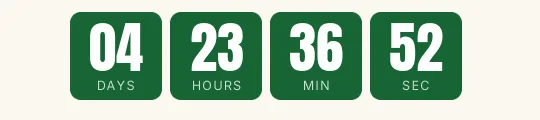
Webinar Bold XL countdown template
Blue blocks with white Anton digits on a white background. It's the webinar template for the final reminder, the "we start in an hour" one, when the timer has to be seen before the text.
Pro style: try it free in the generator's preview. To use it in an email you need the Pro plan. See plans
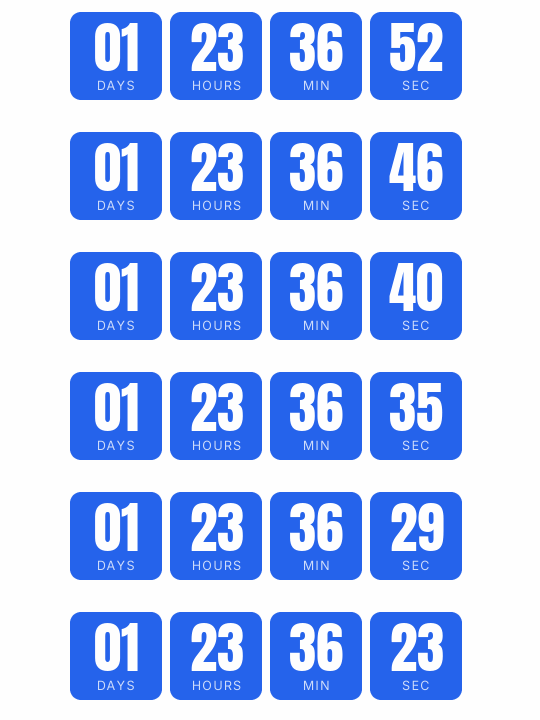
Blue feels serious without the sales tone of red or yellow, and it works in business communication. Each unit is a solid block with its label inside and no separators. The engine picks light or dark digits by contrast with the blue, so you can swap it for your brand color without losing legibility.
For the earlier emails, the Minimal or Blocks webinar versions are more understated. Saving the big block for the end helps it stand out when it arrives.
When it reaches zero it shows "We are live". On the Pro plan the click can lead to a different page once the countdown ends, such as the live room or the recording.
Bold XL is a Pro style: you can try it free in the generator's preview, and to use it in an email you need the Pro plan. Paste it into HubSpot's HTML module or an HTML block in Brevo or ActiveCampaign.
How to use it
- Press Use this template: the generator on this page already has it loaded.
- Set your campaign's end date and time and check the time zone. Change anything you like: colors, font, units or the closing text.
- Press Create timer, copy the HTML and paste it into an HTML or code block in your email platform.
Create your timer from this template
The generator already has the template loaded. Change the date to your campaign's and press Create timer.

Animated GIF. Recalculated every time the email is opened.
Related templates
-
Webinar · Blocks
FREE -
-
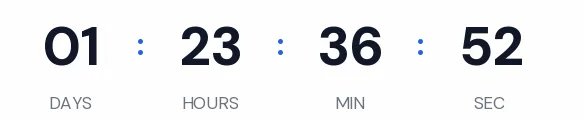
Webinar · Minimal
FREE -
-

-