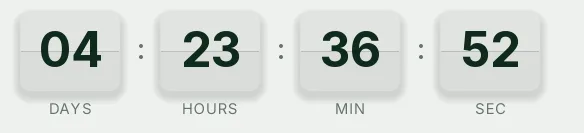
Flash sale split-flap countdown template
Split-flap cards on a burgundy background: every second the top flap folds over the gap and reveals the new digit. In a flash sale, where all that matters is that time is visibly passing, that flip says more than any color could.
Pro style: try it free in the generator's preview. To use it in an email you need the Pro plan. See plans
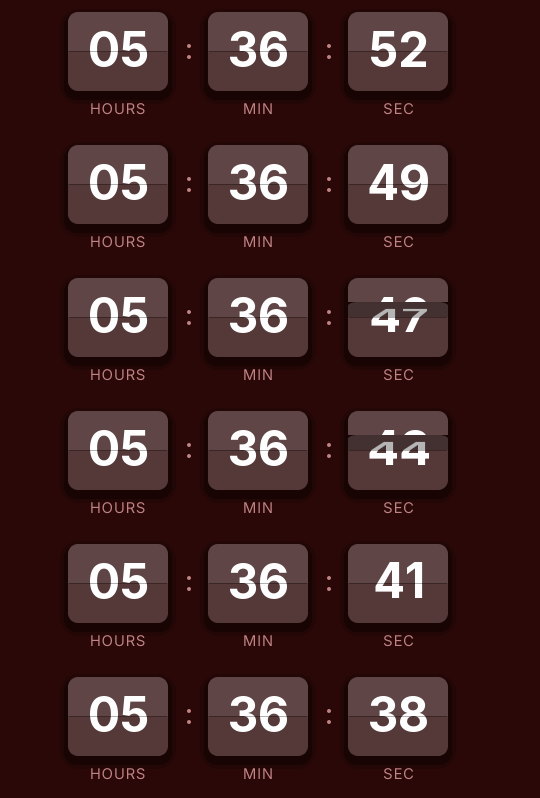
It shows hours, minutes and seconds. The dark red of the background also tints the cards, so the whole timer reads as part of the offer without falling back on pure red, which gets tiring in a long email.
It suits brands with a retro look or physical products: records, coffee machines, bikes, watches. Use it in the email that opens the offer and in the last-hours reminder with the same URL, because each open works out the time remaining.
The loop lasts 15 seconds. Opening the email again fetches a new GIF with the correct time, so nobody sees an old number. When it reaches zero it shows "Offer ended".
Split-flap is a Pro style: you can try it in the preview without paying, but to create the timer and send it you need the Pro plan. Paste it as HTML into a Klaviyo block, an HTML block in ActiveCampaign's Email Designer or HubSpot's HTML module.
How to use it
- Press Use this template: the generator on this page already has it loaded.
- Set your campaign's end date and time and check the time zone. Change anything you like: colors, font, units or the closing text.
- Press Create timer, copy the HTML and paste it into an HTML or code block in your email platform.
Create your timer from this template
The generator already has the template loaded. Change the date to your campaign's and press Create timer.

Animated GIF. Recalculated every time the email is opened.
Related templates
-
Flash sale · Blocks
FREE -
-
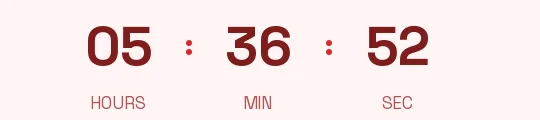
Flash sale · Minimal
FREE -
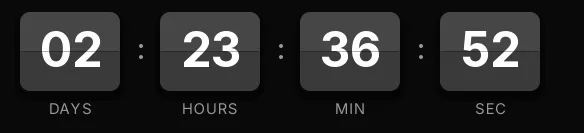
-
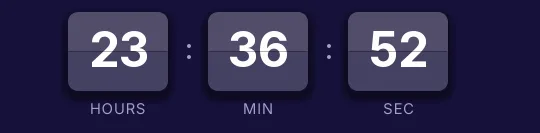
-