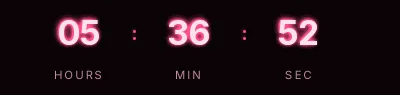
Cyber Monday neon countdown template
Light digits with a cyan glow on a blue-black background, like a screen left on in a dark room. It's the Cyber Monday template with the most character and the one that fits dark emails best: gaming or PC parts stores where the rest of the message already sits on black.
Pro style: try it free in the generator's preview. To use it in an email you need the Pro plan. See plans
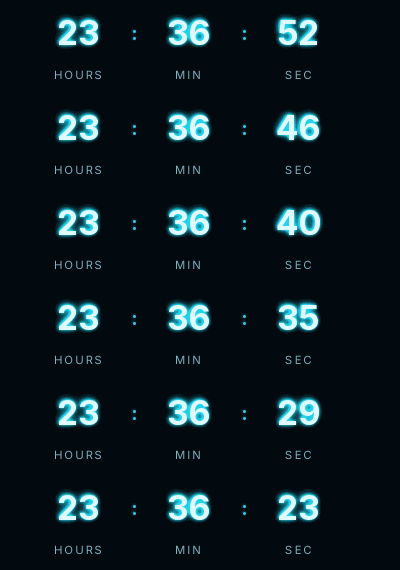
The glow is painted inside the GIF in two layers, one tight and one softer, so it doesn't depend on what each email client supports. The labels are letter-spaced. It comes in the small size: the glow already gives it presence, and the GIF stays lighter.
It shows hours, minutes and seconds to Monday's close. If Cyber Monday turns into Cyber Week at your store, there's no need to switch templates. Move the date out and the hours will absorb the days, or switch the days box on in the generator if you'd rather see them.
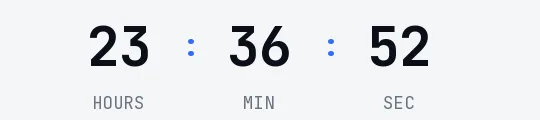
On a white email it loses its charm. In that case the Minimal Cyber Monday version fits better.
When it reaches zero it shows "Cyber Monday is over". Neon is a Pro style: you can try it free in the generator's preview, and to use it in an email you need the Pro plan. Paste it into an HTML block in Klaviyo or Omnisend, or a Code block in Mailchimp.
How to use it
- Press Use this template: the generator on this page already has it loaded.
- Set your campaign's end date and time and check the time zone. Change anything you like: colors, font, units or the closing text.
- Press Create timer, copy the HTML and paste it into an HTML or code block in your email platform.
Create your timer from this template
The generator already has the template loaded. Change the date to your campaign's and press Create timer.

Animated GIF. Recalculated every time the email is opened.
Related templates
-
-
-
-
-
Christmas · Neon
PRO -