Minimal webinar countdown template
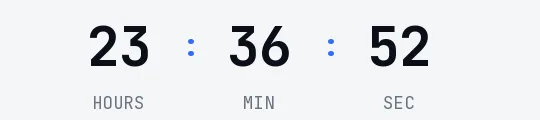
Navy digits in DM Sans on white, with blue separators and gray labels. It's the most understated webinar template: it looks like part of the email rather than an ad stuck on top. It suits B2B communication, internal training or invitations from a university or an association.
Free style: no signup and no watermark up to 25,000 impressions a month.
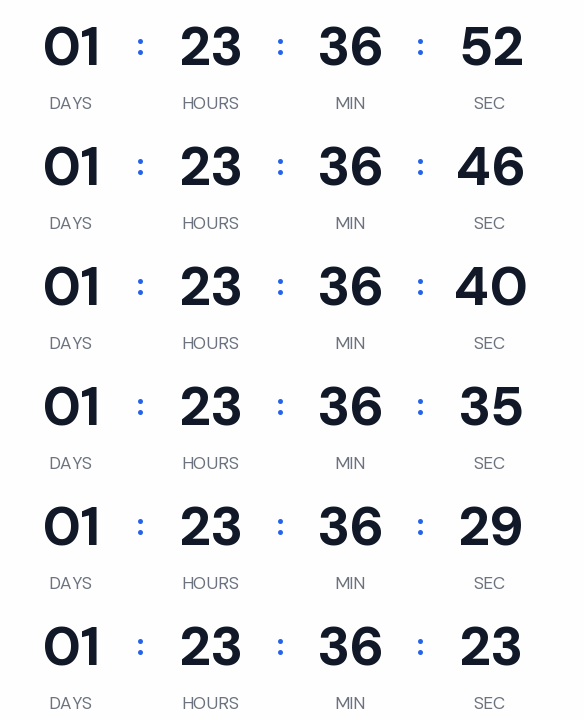
With no boxes and no background color, the timer relies only on the size of the digits. It sits well under the headline, just before the event details.
Minimal supports a transparent background. If your email template has a gray or light blue background, switch it on and pick that color as your email's background; the engine smooths the edges of the digits against it.
Use it in the reminder the day before and in the last-hour one. Once the session starts it shows "We are live". If you'd rather it disappeared, choose to hide it at zero and the GIF becomes a one-pixel transparent image.
It's free with no signup, and carries no watermark up to 25,000 impressions a month. Paste it into HubSpot's HTML module, a Code block in Mailchimp or an HTML block in Brevo.
How to use it
- Press Use this template: the generator on this page already has it loaded.
- Set your campaign's end date and time and check the time zone. Change anything you like: colors, font, units or the closing text.
- Press Create timer, copy the HTML and paste it into an HTML or code block in your email platform.
Create your timer from this template
The generator already has the template loaded. Change the date to your campaign's and press Create timer.

Animated GIF. Recalculated every time the email is opened.
Related templates
-
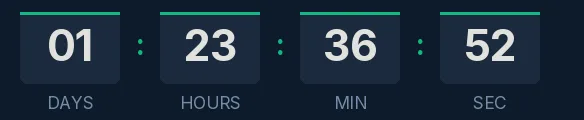
Webinar · Blocks
FREE -
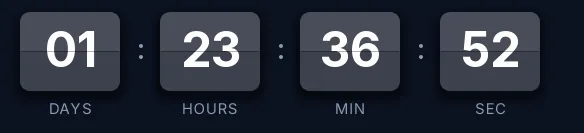
-
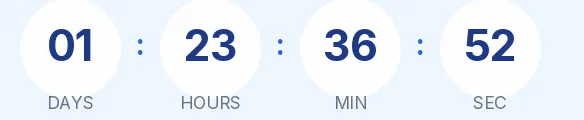
Webinar · Rounded
FREE -
-
-
Christmas · Minimal
FREE