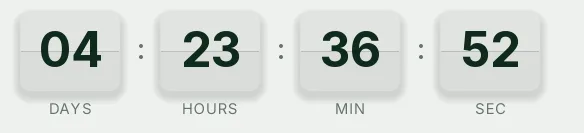
Launch split-flap countdown template
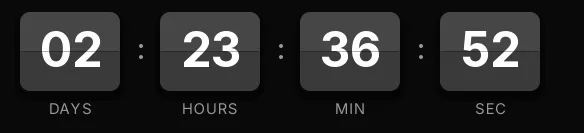
Split-flap in a light version: paper-colored cards with near-black digits and a thin gap across the middle. Every second the top flap folds down and the new digit appears. It recalls a railway station board and gives the launch a sense of arrival.
Pro style: try it free in the generator's preview. To use it in an email you need the Pro plan. See plans
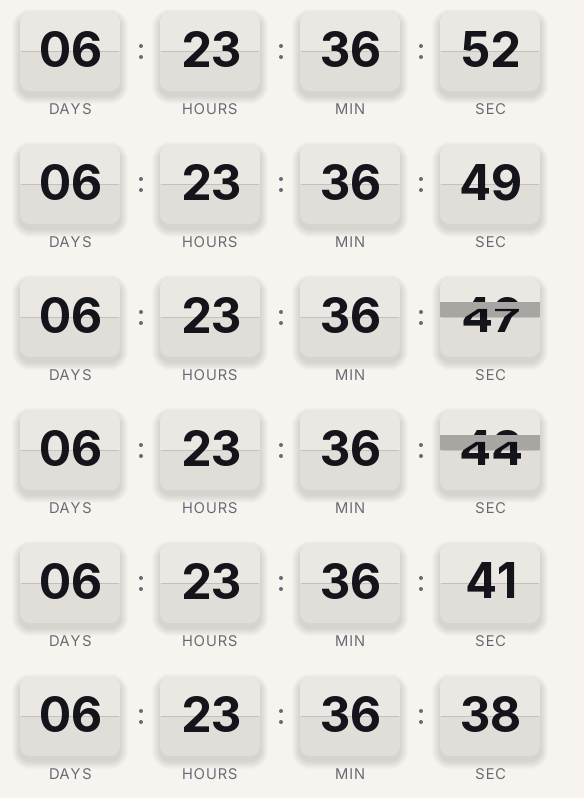
It's the choice for brands with a light, careful look announcing a physical product: a ceramics collection, a limited edition, a store opening. On a white or cream email it blends in; on a dark one, the Black Friday or webinar Split-flap versions work better.
It counts days, hours, minutes and seconds to the launch date. The loop lasts 15 seconds and every open generates a new GIF, so the time shown is always the real one. When it reaches zero it shows "Available now".
On the Pro plan you can add a different link for when it ends: before launch the click goes to the waitlist, and afterwards to the product page.
Split-flap is a Pro style. You can try it free in the generator's preview, and to use it in an email you need the Pro plan. Paste it into an HTML block in Klaviyo, a custom Liquid section in Shopify Email or a Code block in Mailchimp.
How to use it
- Press Use this template: the generator on this page already has it loaded.
- Set your campaign's end date and time and check the time zone. Change anything you like: colors, font, units or the closing text.
- Press Create timer, copy the HTML and paste it into an HTML or code block in your email platform.
Create your timer from this template
The generator already has the template loaded. Change the date to your campaign's and press Create timer.

Animated GIF. Recalculated every time the email is opened.
Related templates
-
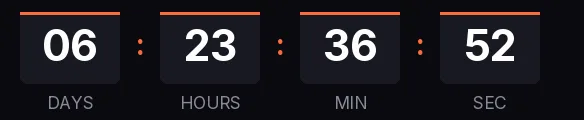
Launch · Blocks
FREE -
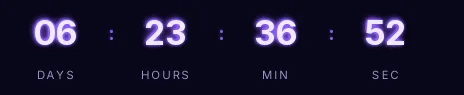
Launch · Neon
PRO -
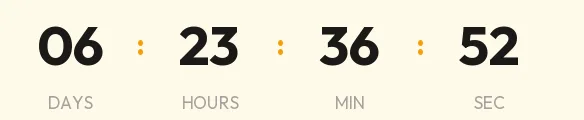
Launch · Minimal
FREE -
-
-