Launch countdown template in blocks
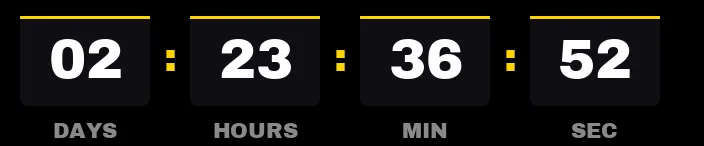
Dark boxes with an orange top bar and white digits. This is the countdown for the email that announces a launch date a week ahead: days, hours, minutes and seconds, so people see how long is left and that the clock is running.
Free style: no signup and no watermark up to 25,000 impressions a month.
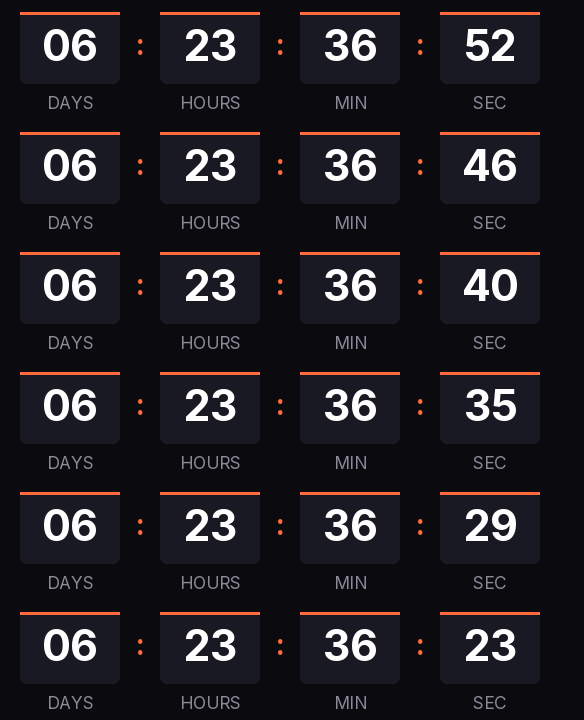
Orange is Kauntodaun's accent, and it works as a "something is about to happen" color for almost any brand. If yours is different, change it in the generator: the bar and the separators pick it up and everything else stays the same.
When it reaches zero, the timer shows "Available now" instead of zeros. That way the same email still makes sense after launch: anyone who opens it late sees that the product is already on sale.
For a waitlist, send the announcement seven days out, a reminder the day before and the launch email, all three with the same timer URL. If the launch slips, change the date from your free account and every email already sent shows the new one.
Blocks is free, with no signup and no watermark up to 25,000 impressions a month. Paste it into a Code block in Mailchimp, an HTML Block in Kit or a Code block in MailerLite.
How to use it
- Press Use this template: the generator on this page already has it loaded.
- Set your campaign's end date and time and check the time zone. Change anything you like: colors, font, units or the closing text.
- Press Create timer, copy the HTML and paste it into an HTML or code block in your email platform.
Create your timer from this template
The generator already has the template loaded. Change the date to your campaign's and press Create timer.

Animated GIF. Recalculated every time the email is opened.
Related templates
-
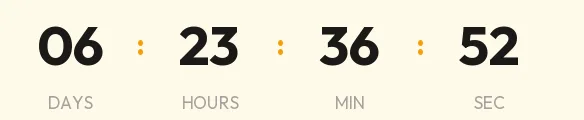
Launch · Minimal
FREE -
-
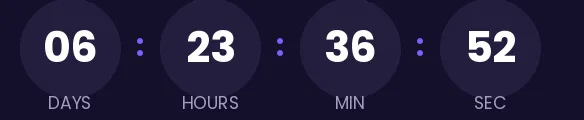
Launch · Rounded
FREE -
-
-
Christmas · Blocks
FREE