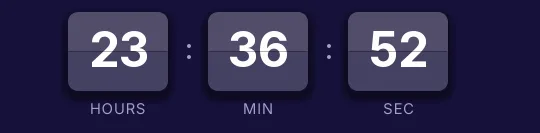
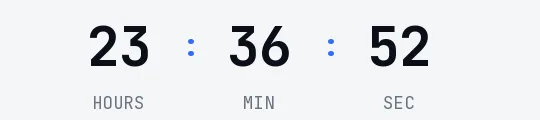
Cyber Monday 2026 is on Monday, November 30, three days after Black Friday. There are 59 days left. Below is a countdown GIF you can paste into any email, in dark, light or transparent versions. It's rendered on every open, so by Monday evening it shows only the hours your sale has left.
Updated on · AP Agency
Cyber Monday 2026 is on Monday, November 30. There are 59 days left. It's the first Monday after Thanksgiving, so it lands three days after Black Friday, and plenty of stores use it to close out the weekend sale.
Below are three countdowns ready to copy, plus the generator with the date already filled in.
Three countdowns ready to copy
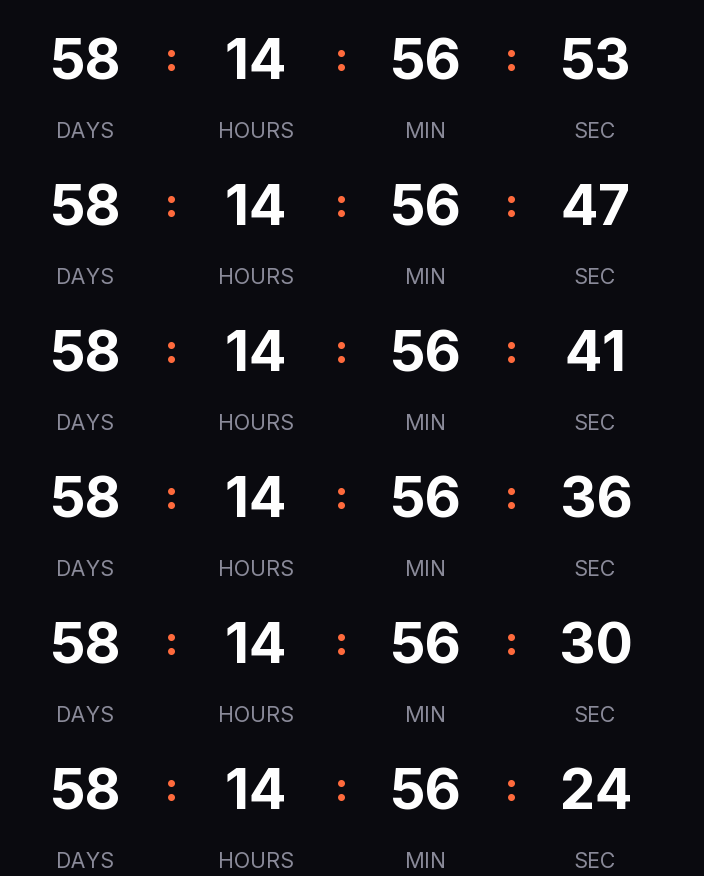
Dark
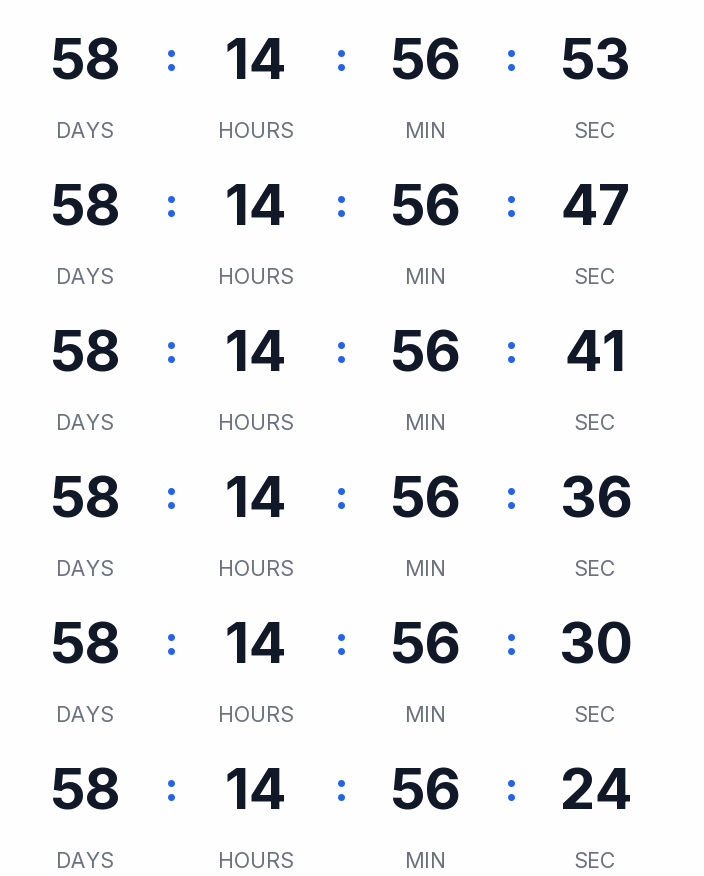
Light
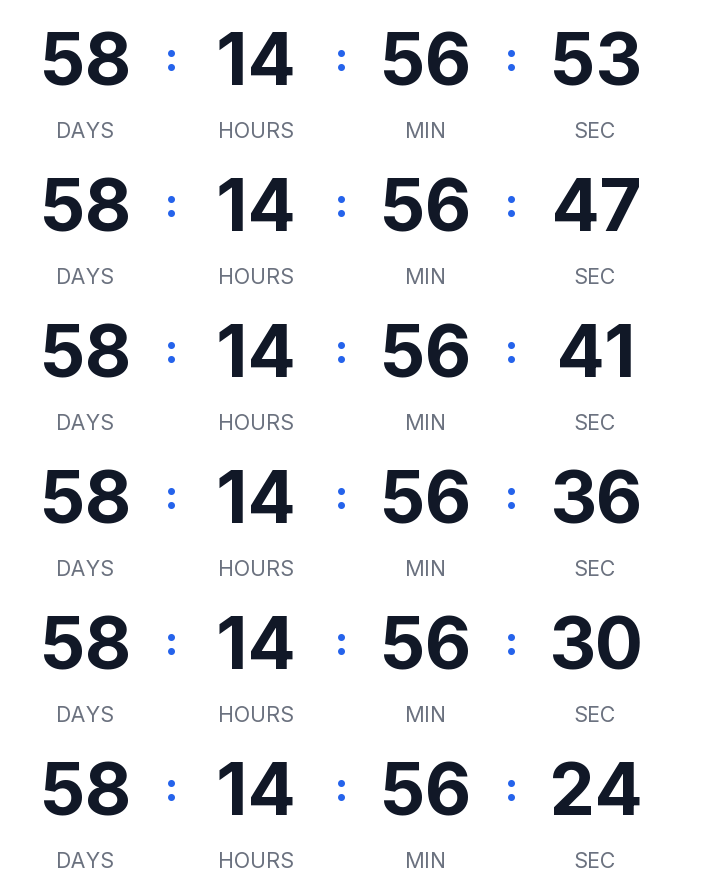
Transparent
Copying creates your timer: free, no signup and editable from this browser.
All three count down to Monday the 30th at 12:00 a.m. Eastern. For the email you send on Monday itself, change the time to your sale's close (say, 11:59 p.m.) in the generator.
Dark. Near-black background, white digits and an orange accent in a flat style. Works well in dark templates or right under a hero image.
Light. White background, dark gray digits and a blue accent in rounded cells, for white templates.
Transparent. Just digits and labels with no background. It ships with dark digits for light backgrounds; switch them to white if your email is dark.
Copy the HTML if your ESP has a code block, or the URL if it only takes images by link. All three styles are on the free plan.
Make your own
The generator is already set up for this page. Change what you need and press Create timer.
Live
Animated GIF. Recalculated every time the email is opened.
One day, two countdowns
Cyber Monday lasts 24 hours, and that changes what the timer should count in each email:
Before Monday, it counts to the start (Monday, 12:00 a.m.).
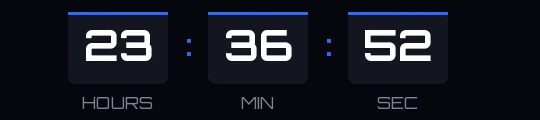
On Monday, it counts to the end. People read that email with hours to go, so drop the days and keep hours, minutes and seconds.
Both are fixed-date timers: the end is the same for your whole list. An evergreen timer (a duration that starts on open) doesn't suit a one-day sale. Without a paid plan it restarts on every open, and on the Starter plan it counts per recipient from their first open, which fits a welcome flow but not a campaign with a hard close.
Suggested send schedule
One way to tie it to your Black Friday sends; adjust it to your offer.
Email
When
Timer
Why
Teaser
Sunday, November 29
Fixed, to Monday the 30th at 12:00 a.m.
People who skipped Black Friday learn there's one more shot
Launch
Monday the 30th, morning
Fixed, to Monday at 11:59 p.m., no days
Within a single day, hours are what count
Final hours
Monday the 30th, afternoon
The same timer as the launch
The same URL already shows what's left at the moment of opening
Extension
Tuesday, December 1, if you extend
A new timer, or edit Monday's
Editing it also changes emails already sent; a new timer leaves them as they were
Time zones. The close is a single instant. If it ends at 11:59 p.m. Eastern, it ends at 8:59 p.m. in Los Angeles. If you sell across zones, write the time and zone next to the timer.
Half-done extensions. If the timer counting to the end of the sale says "Cyber Monday is over" and you extend the sale without touching it, Monday's emails will show that on Tuesday morning. Decide ahead of time whether you'll extend and have Tuesday's timer ready.
Apple Mail. When the reader has Mail Privacy Protection on, Apple downloads images as soon as the email arrives, opened or not. The GIF may show the time from that moment.
Gmail. Gmail scans images before showing them and doesn't let senders learn where the reader is. The timer uses the zone you choose, the same for everyone.
Outlook. According to Microsoft, Outlook for Microsoft 365, 2021 and 2024 play animated GIFs when Windows animations are on. Outlook 2007, 2010 and 2013 show the first frame, which in our GIF is complete and shows the time left at open.
Paste it into your ESP
Any platform that accepts an HTML block or an image by URL will work. We have guides for Klaviyo, Mailchimp, HubSpot and Shopify Email showing which block to use and how to test it.
Before you schedule, send a test to a Gmail address and an Outlook address, and open it on your phone.
Monday, November 30, 2026: the first Monday after Thanksgiving (Thursday, November 26) and three days after Black Friday (Friday, November 27).
Should I count down to the start or the end of Monday?
It depends on the email. The weekend teaser counts to Monday at 12:00 a.m.; the email you send on Monday counts to your closing time, for example 11:59 p.m. Those are two separate timers.
Can I extend Cyber Monday after the email goes out?
Yes. You can edit the timer from the same browser or from your account, and within a minute the GIF changes for anyone who opens any email you've already sent. If you want older emails to keep saying the sale ended, create a new timer instead.
Does it work in Outlook?
Outlook for Microsoft 365, 2021 and 2024 play animated GIFs unless the reader has turned off Windows animations. Outlook 2007, 2010 and 2013 show the first frame, which already displays the time left at open.
What about Apple Mail?
With Mail Privacy Protection, Apple downloads images when the email arrives. The GIF may reflect that moment rather than when the email is read, so put the closing time in the copy too.
Is there a watermark?
No. A free timer is served without branding up to 25,000 impressions a month; above that, a small line of text appears under the countdown. Paid plans never get it.
Thanksgiving 2026 is Thursday, November 26. opm.gov, accessed on
Cyber Monday is the first Monday after Thanksgiving; in 2026, November 30. publicholidays.com, accessed on
Outlook for Microsoft 365, 2021 and 2024 play animated GIFs by default; with animations off only the first frame shows. support.microsoft.com, accessed on
Outlook 2007, 2010 and 2013 show the first frame; countdowns may not render correctly in Apple Mail because of preloading. help.klaviyo.com, accessed on
Apple Mail Privacy Protection downloads remote content in the background whether or not the email is opened. apple.com, accessed on
Gmail scans images before showing them and senders can't use image loading to learn the reader's location. support.google.com, accessed on
Engine: 30-second loop, full first frame, expired text or hidden, timer definition cached 60 s after an edit, branding only on free timers above 25,000 impressions a month. Kauntodaun technical documentation, accessed on
Timers can be edited after sending (anonymous with the browser token, or with an account). Kauntodaun technical documentation, accessed on