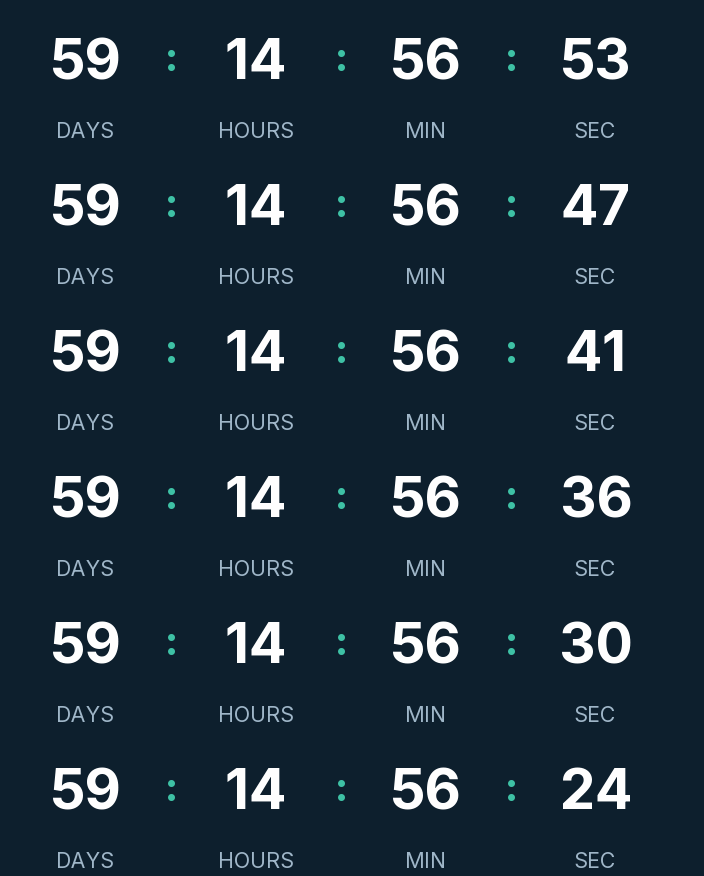
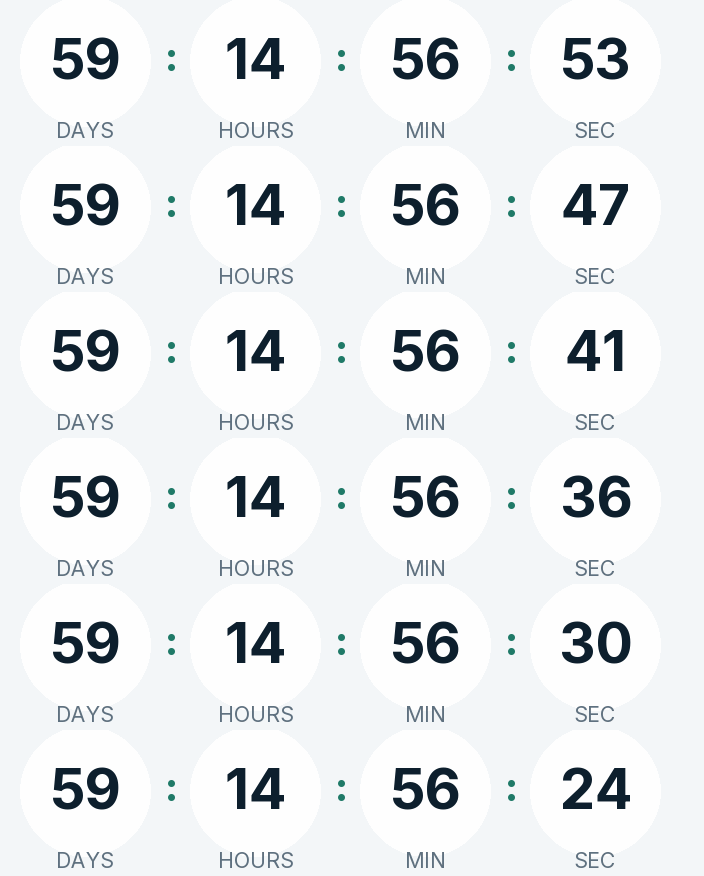
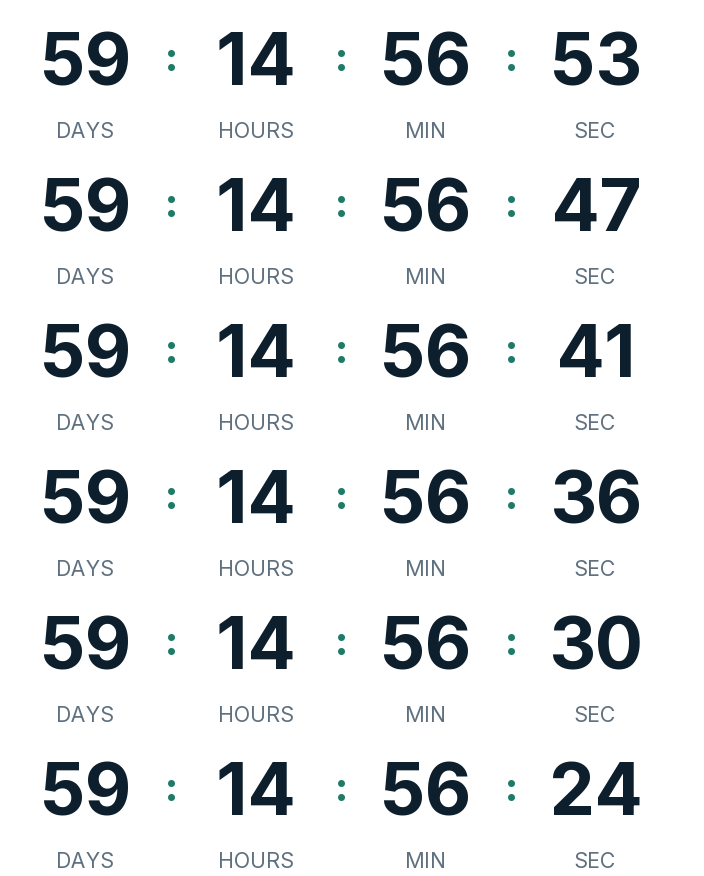
GivingTuesday 2026 is on Tuesday, December 1. There are 60 days left. Below is a countdown GIF for your fundraising emails in dark, light and transparent versions. For the appeal itself, set it to the moment your campaign or matching gift closes, usually 11:59 p.m. on the day, and change it in the generator.
Updated on · AP Agency
GivingTuesday 2026 is on Tuesday, December 1, the Tuesday after Thanksgiving. There are 60 days left. Below are three countdowns ready to copy and the generator already set to the start of the day, so you can switch it to your own campaign deadline.
GivingTuesday was created in 2012 at the 92nd Street Y in New York and is now an independent nonprofit. For a fundraising team it means a one-day appeal with a hard end, and a countdown makes that end visible at a glance.
Three countdowns ready to copy
Dark
Light
Transparent
Copying creates your timer: free, no signup and editable from this browser.
All three count down to December 1 at 12:00 a.m. Eastern, the start of GivingTuesday. That suits the save-the-date emails. For appeals sent on the day, change the end to 11:59 p.m. in the generator before you copy the code.
Dark. Deep navy background, white digits without boxes and a teal accent, for a dark header or photo.
Light. Pale blue-grey background, navy digits and a dark teal accent in rounded cells, for white templates.
Transparent. Digits and labels with no background, so your template color shows through. The digits are navy; switch them to white if your email is dark.
Copy the HTML if your email platform has a code block, or the URL if it only accepts images by link. All three styles are on the free plan.
Make your own
The generator is already set up for this page. Change what you need and press Create timer.
Live
Animated GIF. Recalculated every time the email is opened.
Pick the deadline before you write the emails
A GivingTuesday campaign usually has one of these end points:
The end of the day. Gifts made by 11:59 p.m. count toward your goal. Decide which zone; for a national list, Pacific time gives every donor the whole day.
A matching gift. A donor doubles gifts until a time or until a cap. If the cap can run out early, write "until midnight or until the match is met" and be ready to edit the timer.
A goal with a deadline. The timer shows the time left; the email shows how far you are from the goal. Update the number in each send.
Then use one timer per end point and keep it the same across every email of the day.
Fixed date or evergreen
A fixed-date timer is the right tool for GivingTuesday: the deadline is the same moment for every donor.
An evergreen timer counts a set duration from each reader's open. Without a paid account it restarts on every open, so it can't represent a one-day deadline. On the Starter plan it runs per recipient, with the first open setting the start. That fits a welcome series for new donors, for example a 72 hour window to join a monthly giving program.
Suggested send schedule
Adjust the hours to your list. The example ends at 11:59 p.m. Pacific on December 1.
Email
When
Timer
Why
Save the date
Tuesday, November 17
Fixed, to December 1 at 12:00 a.m.
Two weeks of notice before the day
One week out
Tuesday, November 24
The same timer
Rendered at open, so it shows fewer days
Morning appeal
Tuesday, December 1, 8 a.m.
Fixed, to December 1 at 11:59 p.m. Pacific
The day's deadline starts now
Midday update
Tuesday, December 1, 1 p.m.
The same timer
Share progress toward the goal
Last hours
Tuesday, December 1, evening
The same timer
It now shows hours and minutes
Thank you
Wednesday, December 2
None
Donors want a receipt and the result
New donors
On first gift
Per-recipient evergreen (Starter)
Each donor gets their own window
The next deadline after GivingTuesday is December 31. For U.S. donors, the IRS counts a gift in the year it is made, and a credit card gift in the year it is charged. Our New Year countdown covers that year-end appeal.
Mistakes that cost gifts
Counting to the start of the day. A timer that hits zero at 12:00 a.m. on December 1 tells a donor reading at noon that it's over. Use the save-the-date timer only before the day.
"Midnight" with no zone. A national list reads the same email in at least four zones. Name the zone in the text, and pick the latest one if you want nobody cut short.
A match that ends early. If the matching funds run out at 4 p.m., the timer is still promising doubled gifts. Edit it to end then, with a message like "The match has been met. Your gift still counts." Emails already sent will show it, because the image is generated on every open.
Apple Mail. Mail Privacy Protection downloads images in the background when the email arrives, whether or not it's opened. A morning appeal read at night may show the morning count, so write the deadline in the copy too.
The end message. "It's GivingTuesday!" works before the day. For the appeal timer, write what happens next, such as "Thank you. Gifts still help after midnight."
Paste it into your email platform
Any platform that accepts an HTML block or an image by URL will work. We have guides for Mailchimp, HubSpot, Klaviyo and Brevo that show where the block lives and how to test it.
Send a test to Gmail and Outlook the week before, and check the deadline zone on both.
Common questions
When is GivingTuesday 2026?
Tuesday, December 1, 2026, the Tuesday after Thanksgiving. In 2027 it falls on Tuesday, November 30.
What is GivingTuesday?
A global generosity movement created in 2012 at the 92nd Street Y in New York. It's now an independent nonprofit, and many organizations run a one-day fundraising campaign on the date.
Which time zone should a midnight deadline use?
If donors are spread across the U.S., 11:59 p.m. Pacific gives everyone the full day. A deadline at midnight Eastern ends at 9 p.m. in California. Whatever you choose, write the zone next to the timer.
What if our matching gift runs out before midnight?
Edit the timer so it ends now. Every email already sent will then show your end message, for example "The match has been met. Your gift still counts." The image is generated on each open, so the change reaches old emails too.
What happens when it reaches zero?
The GIF shows the message you wrote, or a 1 pixel transparent image if you'd rather it disappear. For a donation deadline, say what donors can still do.
Does it work in Outlook?
Microsoft says Outlook for Microsoft 365, 2021 and 2024 play animated GIFs by default. With Windows animations off, or in Outlook 2007, 2010 and 2013, readers see the first frame, which shows the time left at open.
Is there a watermark?
No. A free timer has no branding up to 25,000 impressions a month. Above that, a small line of text appears under the countdown. Paid plans never show it.
GivingTuesday 2026 is December 1; it was created in 2012, born and incubated at the 92nd Street Y in New York, and is now an independent nonprofit. givingtuesday.org, accessed on
GivingTuesday takes place on the Tuesday following Thanksgiving: December 1, 2026 and November 30, 2027. publicholidays.com, accessed on
Contributions are deductible only in the year you actually make them; a credit card gift counts in the year it is charged. irs.gov, accessed on
Outlook for Microsoft 365, 2021 and 2024 play animated GIFs by default; with animations disabled only the first frame shows. support.microsoft.com, accessed on
Outlook 2007, 2010 and 2013 show the first frame; countdowns may not render correctly in Apple Mail because of preloading. help.klaviyo.com, accessed on
Apple Mail Privacy Protection downloads remote content in the background whether or not the email is opened, through two relays. apple.com, accessed on
Engine behavior: 30 one-second frames looping, full first frame, expired text or hidden, branding only on free timers above 25,000 impressions a month, rid ignored on the free plan. Kauntodaun technical documentation, accessed on
Timers can be edited after the email is sent (anonymous ones too, with the browser token). Kauntodaun technical documentation, accessed on
Per-recipient evergreen is part of the Starter plan. Kauntodaun technical documentation, accessed on