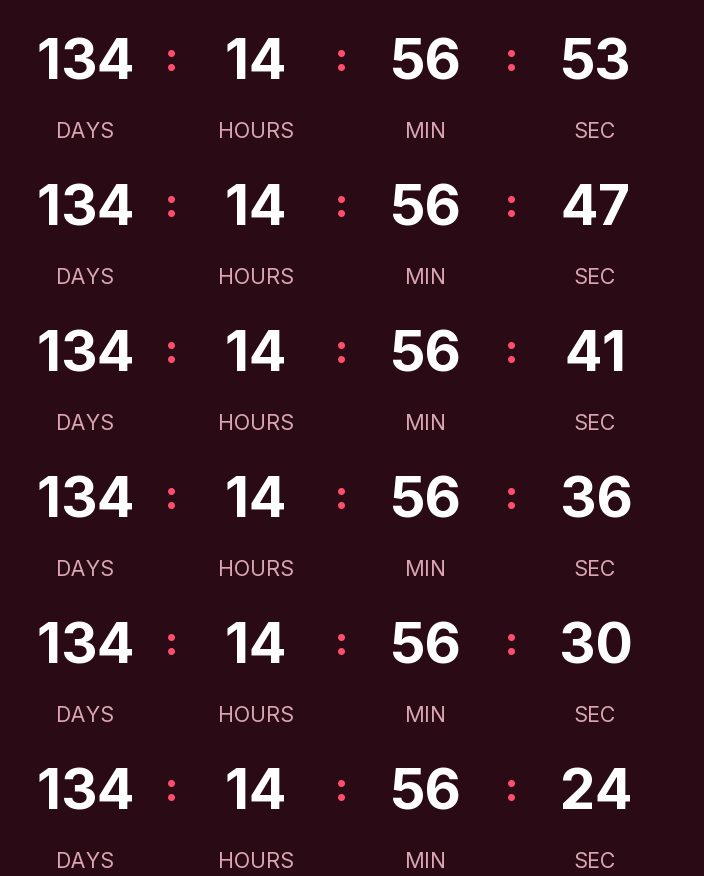
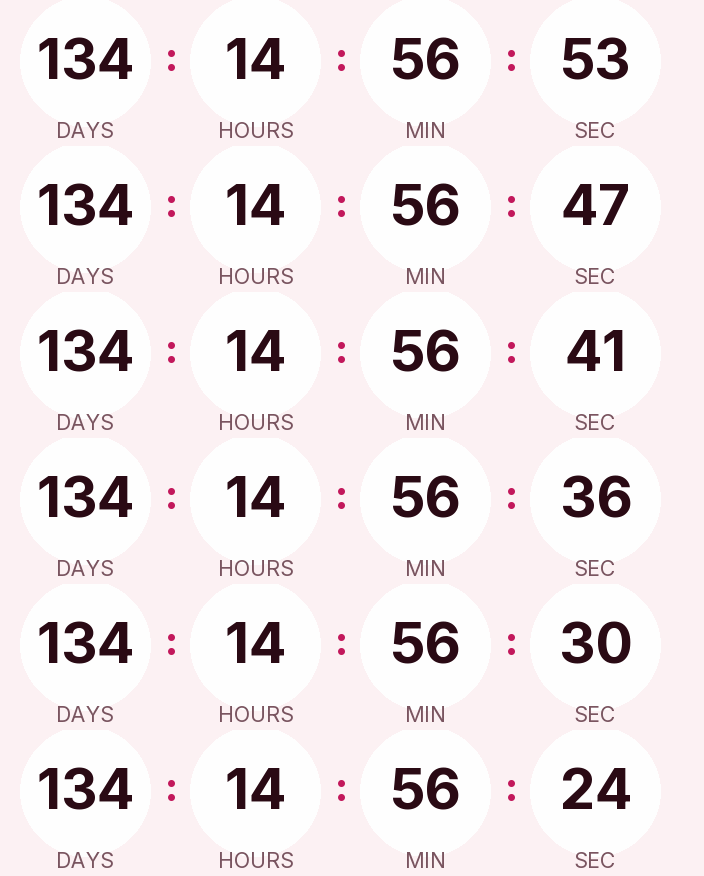
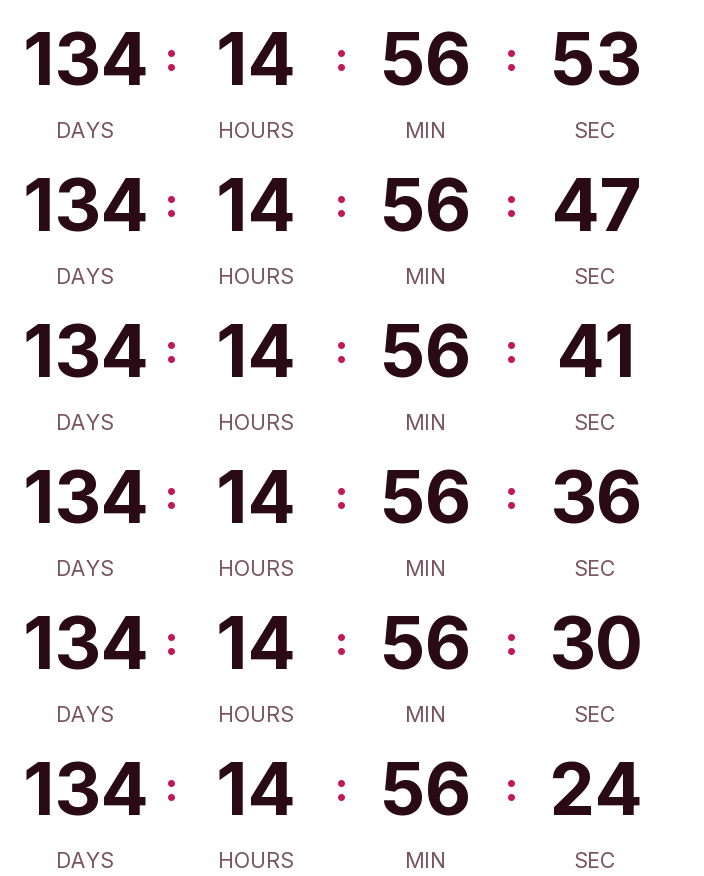
Valentine's Day 2027 is on Sunday, February 14. There are 135 days left. Below is a countdown GIF for your emails in dark, light and transparent versions. If you ship gifts, the deadline that matters is your last order day for delivery before the 14th, and you can switch the timer to it in the generator.
Updated on · AP Agency
Valentine's Day 2027 falls on Sunday, February 14. There are 135 days left. Below are three countdowns ready to copy, plus the generator already set to that date so you can change the colors or, more usefully, the end date.
A Sunday changes the plan for anyone shipping gifts. Many deliveries have to land by Saturday the 13th or Friday the 12th, depending on whether your carrier delivers on weekends. NRF's survey expected a record $29.1 billion in U.S. Valentine's Day spending for 2026.
Three countdowns ready to copy
Dark
Light
Transparent
Copying creates your timer: free, no signup and editable from this browser.
All three count down to February 14 at 12:00 a.m. Eastern. For a shipping deadline, set your cutoff date and hour in the generator before you copy the code.
Dark. Deep wine background, white digits without boxes and a bright pink accent, for a dark or photo-led header.
Light. Blush background, wine digits and a raspberry accent in rounded cells, for white templates.
Transparent. Digits and labels with no background, so the template color shows through. The digits are dark wine; switch them to white if your email is dark.
Copy the HTML if your ESP has a code block, or the URL if it only accepts images by link. All three styles are on the free plan.
Make your own
The generator is already set up for this page. Change what you need and press Create timer.
Live
Animated GIF. Recalculated every time the email is opened.
Work back from Sunday the 14th
Your cutoff comes from three numbers: the day the gift has to arrive, your carrier's transit time and your packing time. For example, if the gift should arrive on Friday, February 12, your service takes three business days and you ship orders placed before 2 p.m. the same day, the last order goes in on Tuesday, February 9 at 2 p.m.
Check your carrier's published transit times for February and add a day of margin if you can. Then put that exact moment in the timer, with the hour, and write it in the email as text too.
Gifts that don't ship can keep selling until the last minute: e-gift cards, bookings, local pickup. Those get a second timer that counts to the 14th.
Fixed cutoff, evergreen welcome
Your shipping cutoff is the same moment for every customer, so it takes a fixed-date timer. People who join your list while browsing the gift guide can get an evergreen timer instead, with their own window from their first open.
Suggested send schedule
Swap in your real cutoff. The example uses Tuesday, February 9.
Email
When
Timer
Why
Gift guide
Monday, February 1
Fixed, to your shipping cutoff
Two weeks out, people are still choosing
Reminder
Thursday, February 4
The same timer
Rendered at open, so it already shows fewer days
Last shipping day
Cutoff day, morning
The same timer
It now shows hours
Gifts that don't ship
Wednesday, February 10 to Saturday, February 13
Fixed, to February 14 at 12:00 a.m.
E-gift cards and pickup still arrive in time
Presidents' Day (Washington's Birthday) sale, if you run one
Monday, February 15
A new timer with its own end
A different offer needs a different deadline
New subscribers
On signup
Per-recipient evergreen (Starter)
Each person gets their own window
The same logic of working back from a delivery date runs through our Christmas countdown.
Mistakes to avoid in February
Counting to the 14th in a shipping email. On February 11 that timer still shows three days, while your last delivery slot has gone. Count to the cutoff and say "order by Tuesday at 2 p.m. ET for delivery by Friday".
Ignoring the weekend. Valentine's Day on a Sunday means fewer delivery days than the calendar suggests. If your service doesn't deliver on Saturday, your real deadline is Friday the 12th.
The wrong time zone. The cutoff belongs to your warehouse. If you pack in California and the timer says Eastern, it ends three hours before your team stops shipping. Set the zone in the generator.
A greeting after the cutoff. If your shipping timer ends with "Happy Valentine's Day!", a reader on February 11 sees a greeting and no explanation. Use "Valentine's shipping has closed" and link to e-gift cards below it.
Moving the cutoff. If your carrier adds a day, edit the timer. Emails you've already sent will show the new time, because the image is generated on every open.
Paste it into your ESP
Any platform that accepts an HTML block or an image by URL will work. See our guides for Klaviyo, Mailchimp, HubSpot and Shopify Email for where the block lives and how to test it.
Before the gift guide goes out, send a test to Gmail and Outlook and check the end time in both.
Common questions
What day is Valentine's Day 2027?
Sunday, February 14, 2027. The next day, Monday, February 15, is Washington's Birthday, a federal holiday.
Should the timer count to February 14 or to my shipping cutoff?
In a sales email, to the cutoff. Once it passes, a physical gift can no longer arrive in time, so a timer still counting to the 14th would promise something you can't deliver. Count to the 14th in greeting emails or for gifts that don't ship, like e-gift cards.
How do I work out my last shipping day?
Start from the day the gift has to arrive, subtract your carrier's transit time in business days, then subtract your own packing time. Use the cutoff hour of your warehouse too, for example 2 p.m., and write it in the email next to the timer.
What happens when it reaches zero?
The GIF shows the message you wrote, such as Valentine's shipping has closed, or a 1 pixel transparent image if you'd rather it disappear.
Does it animate in Outlook?
Microsoft says Outlook for Microsoft 365, 2021 and 2024 play animated GIFs by default. Readers with Windows animations off, or on Outlook 2007, 2010 or 2013, see the first frame, which already shows the time left at open.
Valentine's Day is on a Sunday. Does that change anything?
For shipped gifts, yes. If your carrier doesn't deliver on weekends, the gift has to arrive by Friday, February 12, and your cutoff moves earlier to match. Gifts that don't ship, like e-gift cards, can sell until the 14th.
Valentine's Day falls on Sunday, February 14 in 2027 (Saturday in 2026). publicholidays.com, accessed on
Washington's Birthday 2027 is a federal holiday on Monday, February 15. opm.gov, accessed on
NRF's 2026 Valentine's Day survey expected record consumer spending of $29.1 billion. nrf.com, accessed on
Outlook for Microsoft 365, 2021 and 2024 play animated GIFs by default; with animations disabled only the first frame shows. support.microsoft.com, accessed on
Outlook 2007, 2010 and 2013 show the first frame. help.klaviyo.com, accessed on
Engine behavior: 30 one-second frames looping, full first frame, expired text or hidden, branding only on free timers above 25,000 impressions a month, rid ignored on the free plan. Kauntodaun technical documentation, accessed on
Timers can be edited after the email is sent (anonymous ones too, with the browser token). Kauntodaun technical documentation, accessed on
Per-recipient evergreen is part of the Starter plan. Kauntodaun technical documentation, accessed on