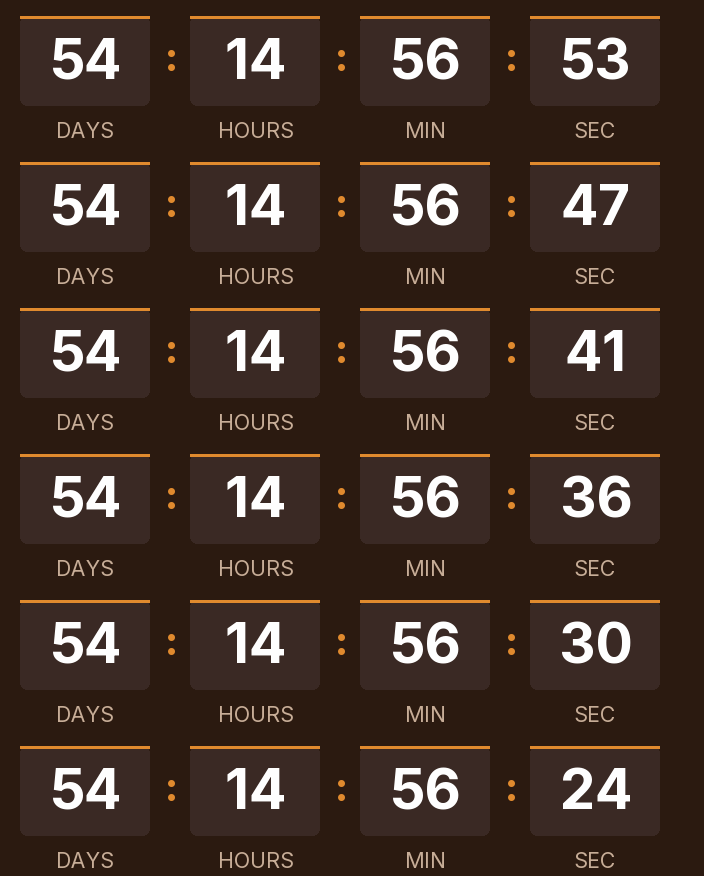
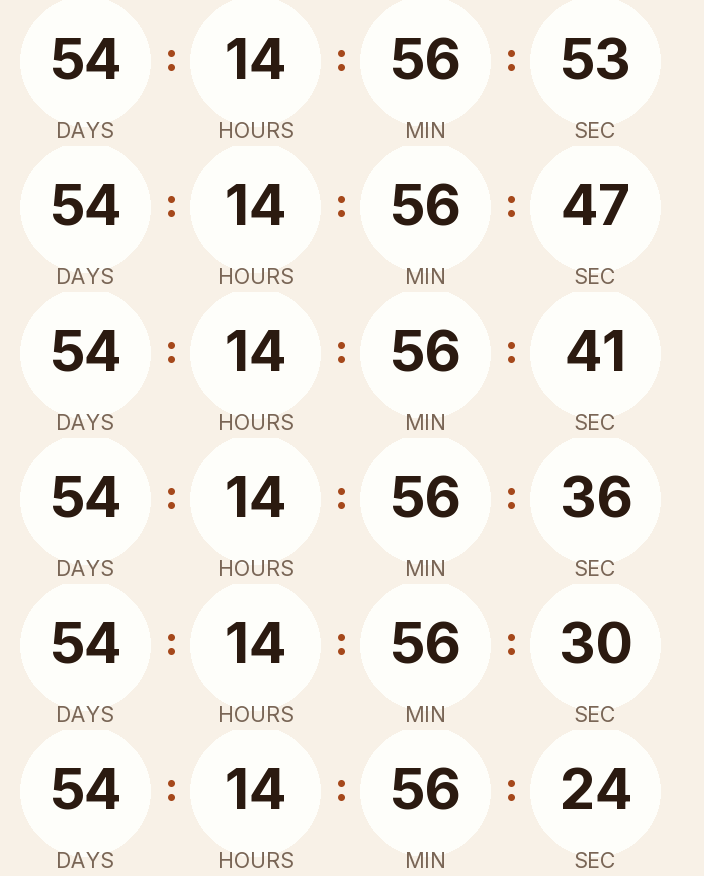
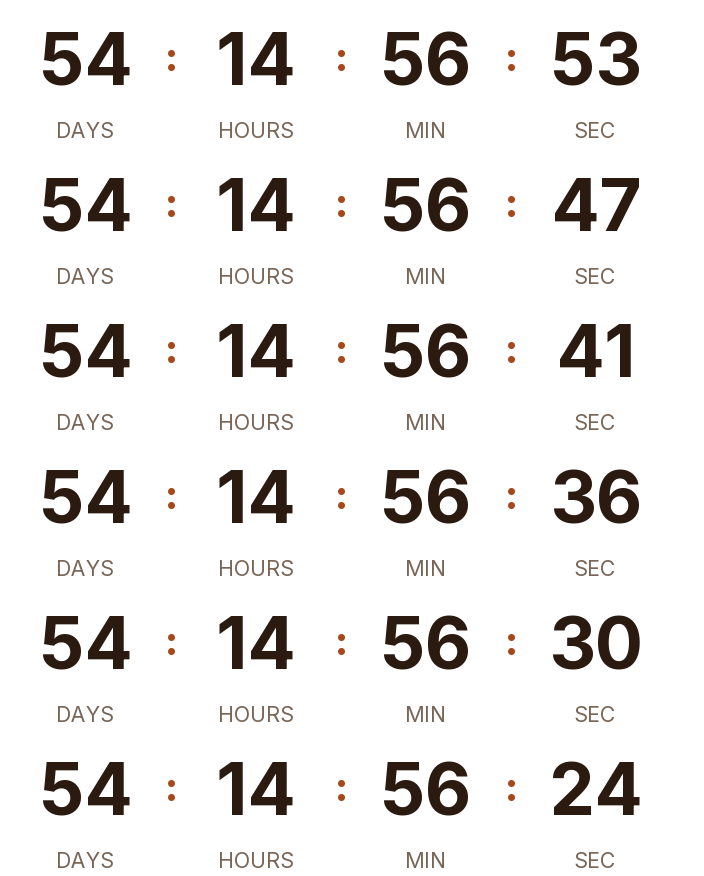
Thanksgiving 2026 is on Thursday, November 26. There are 55 days left. Below is a countdown GIF for your emails in dark, light and transparent versions. If you sell food, tableware or decorations, the useful deadline is the last day to order for delivery before the dinner, and you can set it in the generator.
Updated on · AP Agency
Thanksgiving 2026 is on Thursday, November 26, the fourth Thursday of November. There are 55 days left. Below are three countdowns ready to copy and the generator already set to that date, in case you need other colors or, more likely, an earlier deadline.
Thanksgiving starts a run of dated campaigns in the U.S.: Black Friday on the 27th, Cyber Monday on the 30th and GivingTuesday on December 1. Each date gets its own timer, and this page covers the first one.
Three countdowns ready to copy
Dark
Light
Transparent
Copying creates your timer: free, no signup and editable from this browser.
All three count down to November 26 at 12:00 a.m. Eastern. For an order cutoff or an early sale, change the date and time in the generator before you copy the code.
Dark. Chestnut background, white digits and an amber accent in large blocks, for a warm, dark header.
Light. Cream background, brown digits and a rust accent in rounded cells, for white or beige templates.
Transparent. Digits and labels with no background, so your template color shows through. The digits are dark brown; switch them to white if your email is dark.
Copy the HTML if your ESP has a code block, or the URL if it only accepts images by link. All three styles are on the free plan.
Make your own
The generator is already set up for this page. Change what you need and press Create timer.
Live
Animated GIF. Recalculated every time the email is opened.
The deadline is usually before Thursday
For most stores, the date that changes behavior comes earlier than the holiday. A pie, a turkey, a table runner or a set of place cards has to arrive before the dinner, which often means Tuesday or Wednesday. Start from the day the order must arrive, subtract your carrier's transit time and your own preparation time, and that's your cutoff.
Restaurants and caterers have a similar deadline for reservations and preorders. Bakeries may close preorders once the ovens are full. In every case the timer should count to the moment you stop accepting orders, with the hour.
Local pickup adds a second deadline. If customers can collect until Wednesday, November 25, give that its own timer in a separate email, so nobody confuses the delivery cutoff with the pickup window.
A fixed cutoff for every order
An order cutoff is the same moment for every customer, so it takes a fixed-date timer. A welcome offer for people who sign up while planning their menu can use an evergreen timer instead.
Suggested send schedule
The example uses an order cutoff of Friday, November 20 at 2 p.m. Replace it with yours.
Counting to Thursday in an order email. On Tuesday that timer still shows two days, while the delivery window has already closed. Count to the cutoff and write "order by Friday, November 20 at 2 p.m. ET" next to it.
One timer for the whole week. The order cutoff, the holiday and the Black Friday opening are three different moments. Give each email the timer for its own deadline.
Apple Mail. Mail Privacy Protection downloads images in the background when the email arrives, whether or not it's opened. On a busy week, the GIF may show the time at delivery rather than at reading, so write the deadline in the copy as well.
Moving the cutoff. If you can take orders for one more day, edit the timer. Emails you've already sent will show the new time, because the image is generated on every open.
Paste it into your ESP
Any platform that accepts an HTML block or an image by URL will work. Our guides for Klaviyo, Mailchimp, HubSpot and Shopify Email explain where the block lives and how to test it.
Before the preorder email goes out, send a test to Gmail and Outlook and check the cutoff in both.
Common questions
When is Thanksgiving 2026?
Thursday, November 26, 2026. Thanksgiving is a federal holiday on the fourth Thursday of November. In 2027 it falls on Thursday, November 25.
Should I count down to Thanksgiving or to Black Friday?
To whatever your email asks people to do. An order deadline for the dinner counts to your cutoff, which comes days before Thursday. A sale counts to its own start or end, and Black Friday, on November 27, has its own page.
When is the last day to order for Thanksgiving delivery?
It depends on your carrier and your preparation time. Start from the day the order must arrive, often Tuesday, November 24 or Wednesday, November 25, subtract both, and write the resulting date and hour in the email next to the timer.
What happens when it reaches zero?
The GIF shows the message you wrote, such as Happy Thanksgiving! or Orders for Thanksgiving delivery have closed, or a 1 pixel transparent image if you'd rather it disappear.
Does it work in Outlook?
Microsoft says Outlook for Microsoft 365, 2021 and 2024 play animated GIFs by default. With Windows animations off, or in Outlook 2007, 2010 and 2013, readers see the first frame, which shows the time left at open.
Can I count down to the dinner itself?
Yes, for a greeting or a recipe email. Set the timer to the hour the meal starts, for example Thursday, November 26 at 3 p.m., and choose an end message like "Happy Thanksgiving!"
Thanksgiving Day is a federal holiday on Thursday, November 26, 2026 and Thursday, November 25, 2027. opm.gov, accessed on
Cyber Monday is the Monday after Thanksgiving: November 30, 2026. publicholidays.com, accessed on
GivingTuesday 2026 is December 1 (the Tuesday after Thanksgiving). givingtuesday.org, accessed on
Outlook for Microsoft 365, 2021 and 2024 play animated GIFs by default; with animations disabled only the first frame shows. support.microsoft.com, accessed on
Outlook 2007, 2010 and 2013 show the first frame; countdowns may not render correctly in Apple Mail because of preloading. help.klaviyo.com, accessed on
Apple Mail Privacy Protection downloads remote content in the background whether or not the email is opened, through two relays. apple.com, accessed on
Engine behavior: 30 one-second frames looping, full first frame, expired text or hidden, branding only on free timers above 25,000 impressions a month, rid ignored on the free plan. Kauntodaun technical documentation, accessed on
Timers can be edited after the email is sent (anonymous ones too, with the browser token). Kauntodaun technical documentation, accessed on
Per-recipient evergreen is part of the Starter plan. Kauntodaun technical documentation, accessed on