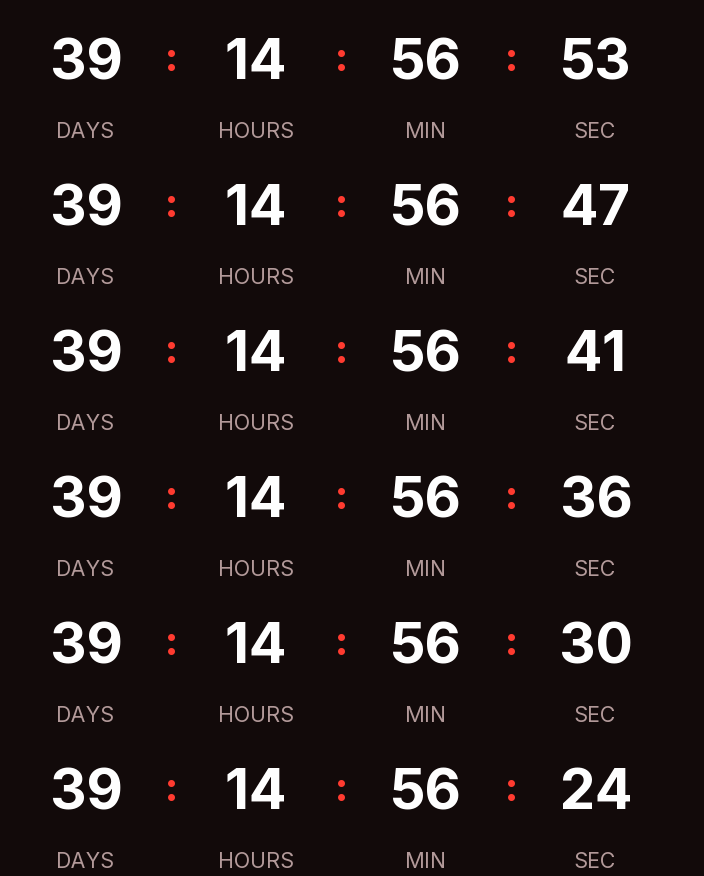
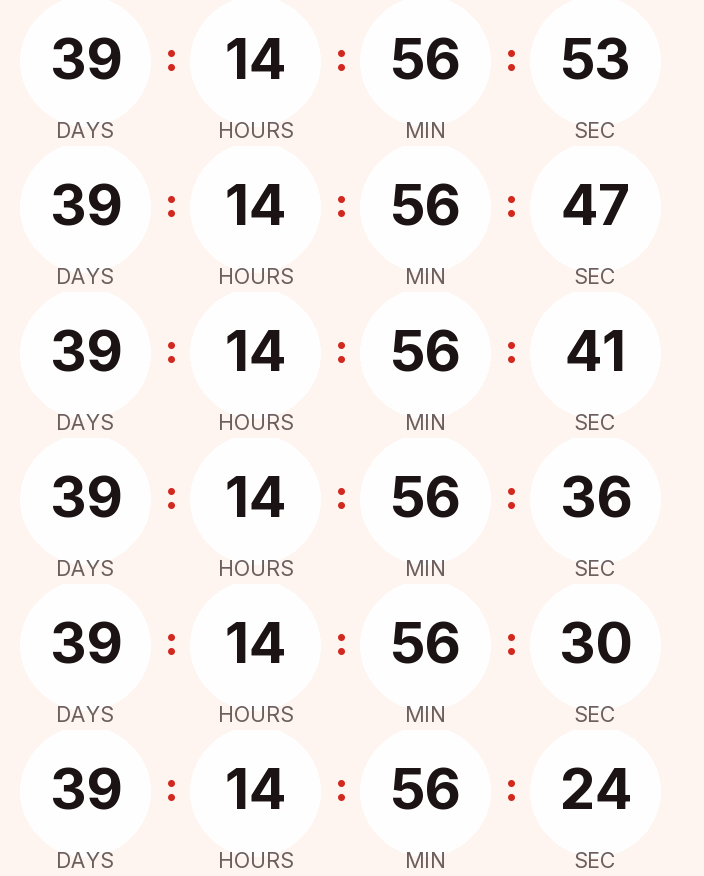
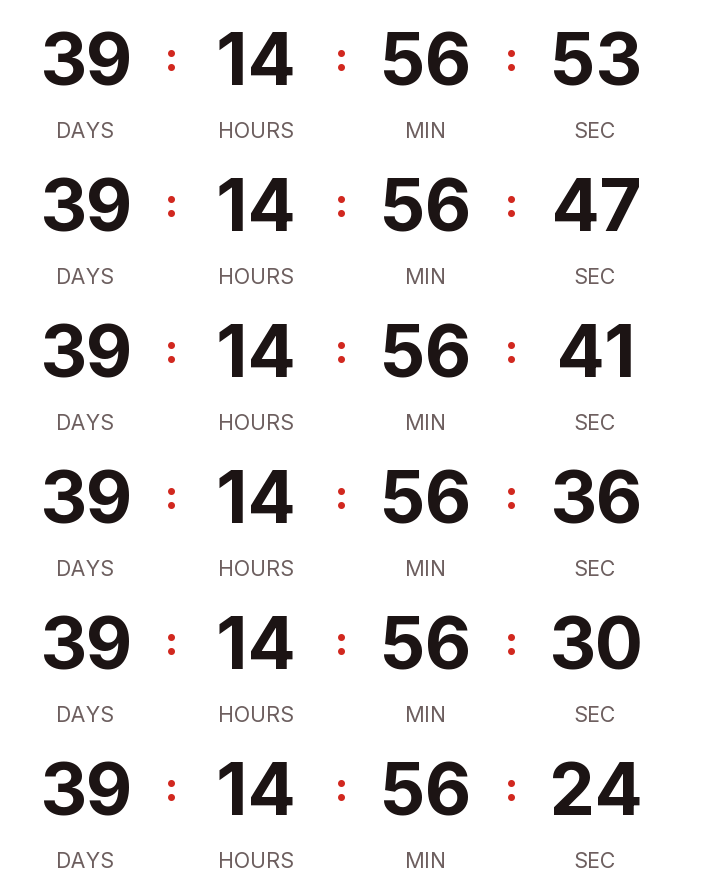
Singles Day 2026 is on Wednesday, November 11, the 11.11 shopping day that started in China. There are 40 days left. Below is a countdown GIF for your emails in dark, light and transparent versions, set to midnight Eastern. If your customers are in China, switch the zone to China time in the generator.
Updated on · AP Agency
Singles Day 2026 is on Wednesday, November 11. There are 40 days left. Below are three countdowns ready to copy, plus the generator already set to that date if you want other colors, another style or a different zone.
As the story goes, students at Nanjing University started the day in 1993 to celebrate being single, mostly by buying themselves presents. The documented part is that Alibaba adopted it in 2009 and made it a day of online sales. Outside China it works as an early sale two weeks before Black Friday, and the date is easy to remember: 11.11.
Three countdowns ready to copy
Dark
Light
Transparent
Copying creates your timer: free, no signup and editable from this browser.
All three count down to November 11 at 12:00 a.m. Eastern. If your sale follows China time or opens at another hour, change it in the generator before you copy the code.
Dark. Near-black background, white digits without boxes and a bright red accent.
Light. Warm white background, near-black digits and a deep red accent in rounded cells, for light templates.
Transparent. Digits and labels with no background, so your template color shows through. The digits are dark; switch them to white if your email is dark.
Copy the HTML if your ESP has a code block, or the URL if it only accepts images by link. All three styles are on the free plan.
Make your own
The generator is already set up for this page. Change what you need and press Create timer.
Live
Animated GIF. Recalculated every time the email is opened.
New York midnight or Beijing midnight
A fixed timer ends at one instant, so the zone decides when your sale opens for everyone. Midnight on November 11 in China is 11 a.m. on November 10 in New York and 8 a.m. in Los Angeles. If you sell to shoppers in China, set the generator to China time (Asia/Shanghai).
If you sell in both markets, create two timers, one per zone, and send each to its own segment. Gmail doesn't tell senders where a reader is, so the zone has to come from your list data.
One sale, one timer
11.11 needs a fixed-date timer, because the sale opens and closes at one moment for your whole list. Keep evergreen timers for signup offers during the campaign.
Suggested send schedule
Singles Day is a one-day event, so the emails are close together. Adjust to your own hours.
Email
When
Timer
Why
Teaser
Monday, November 9
Fixed, to November 11 at 12:00 a.m.
Readers outside China may not know the date yet
Opening
Wednesday, November 11, early morning
Fixed, to the end of the sale (for example, November 11 at 11:59 p.m.)
Assuming everyone knows the date. Outside China, many readers won't recognize "11.11" in a subject line. Say what it is in one sentence and what they get.
Opening a day early by accident. If your list is in the U.S. and you copied a China-time timer from a partner or marketplace, the sale opens at 11 a.m. on the 10th for your readers. Check the zone in the generator.
Clashing with Veterans Day. In the U.S., November 11 is also Veterans Day. If you already run a Veterans Day promotion, decide which deadline each email shows. Two timers in one email confuse more than they help.
Recycling the timer for Black Friday. Editing the 11.11 timer to count to November 27 also changes every Singles Day email already sent, because the image is generated on each open. Make a new timer for Black Friday.
The end message. "11.11 is live!" works for the teaser. For the email counting to the close, write "Singles Day has ended" or hide the timer at zero.
Paste it into your ESP
Any platform that accepts an HTML block or an image by URL will work. Our guides for Klaviyo, Mailchimp, HubSpot and Shopify Email cover where the block lives and how to test it.
Send a test to Gmail and Outlook on November 9 and check that the opening hour reads right in your own zone.
Common questions
When is Singles Day 2026?
Wednesday, November 11, 2026. The date is written 11.11 or 11/11. In the U.S. the same day is Veterans Day, a federal holiday.
Where does Singles Day come from?
The story TIME retells is that students at Nanjing University started it in 1993 as a day to celebrate being single. What is documented is that Alibaba adopted the date in 2009 and turned it into a day of online sales.
Which time zone should the countdown use?
The zone your sale runs in. Midnight on November 11 in China is 11 a.m. on November 10 in New York. If you sell to both, make two timers and send each to its own segment.
What happens when it reaches zero?
The GIF shows the message you wrote, such as "11.11 is live!", or a 1 pixel transparent image if you'd rather it disappear.
Does it work in Outlook?
Microsoft says Outlook for Microsoft 365, 2021 and 2024 play animated GIFs by default. With Windows animations off, or in Outlook 2007, 2010 and 2013, the reader sees the first frame, which shows the time left at open.
Can I add an 11:11 flash offer?
Yes. Create a second timer that ends at 11:11 a.m. or 11:11 p.m. on November 11 and use it only in that email, so the main sale timer stays the same in every other send.
Lore retold by TIME: students at Nanjing University started Singles' Day in 1993, largely by buying themselves presents; Alibaba latched onto it in 2009 and turned it into a day of online sales; the date is 11/11. time.com, accessed on
Veterans Day 2026 is a federal holiday on Wednesday, November 11; Thanksgiving is Thursday, November 26. opm.gov, accessed on
Outlook for Microsoft 365, 2021 and 2024 play animated GIFs by default; with animations disabled only the first frame shows. support.microsoft.com, accessed on
Outlook 2007, 2010 and 2013 show the first frame. help.klaviyo.com, accessed on
Gmail scans images before showing them and senders can't use image loading to learn the reader's location. support.google.com, accessed on
Engine behavior: 30 one-second frames looping, full first frame, expired text or hidden, branding only on free timers above 25,000 impressions a month, rid ignored on the free plan. Kauntodaun technical documentation, accessed on
Timers can be edited after the email is sent (anonymous ones too, with the browser token). Kauntodaun technical documentation, accessed on
Per-recipient evergreen is part of the Starter plan. Kauntodaun technical documentation, accessed on